The S3 browser that starts with one command.
Browse buckets, preview files, move gigabytes, share links and manage bucket settings on AWS S3, Cloudflare R2, MinIO, Backblaze B2 and more, all from your browser.
npx s3deck --profile prod --openFree and open source, MIT licensed. Needs Node.js 20 or newer.
- Any S3 API
- AWS, R2, MinIO, B2, Spaces, Wasabi
- Millions of objects
- listed page by page as you scroll
- Keys stay server-side
- every request is signed on the server
- 1 command
- no Docker, no CORS rules, no account
One UI for every bucket, on every provider.
It talks the S3 API, so it works wherever your files live. Uploads and downloads stream through, so no bucket needs CORS rules.
- AWS S3Every feature
- Cloudflare R2Region auto
- MinIOPath-style, automatic
- Backblaze B2S3 endpoint
- DigitalOcean SpacesS3 endpoint
- WasabiS3 endpoint
- Ceph RGWYour gateway
- GarageYour gateway
- LocalStackLocal testing
Features a provider doesn’t implement, such as versioning on R2, are detected and hidden, not broken.
Folders that feel like folders
Breadcrumbs, sorting by name, size, date or storage class, filtering as you type, and search by prefix across the bucket.
Previews in a side panel
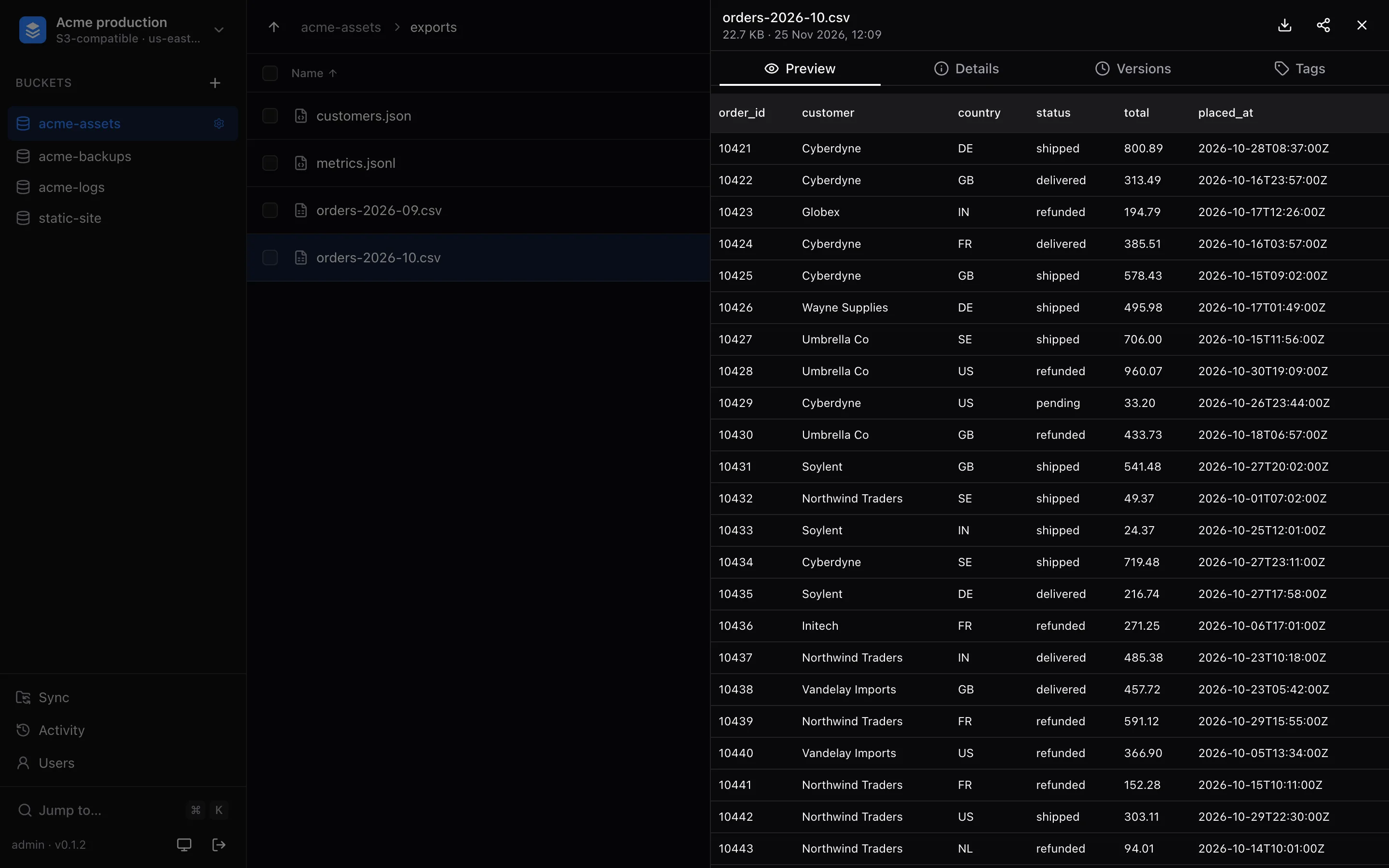
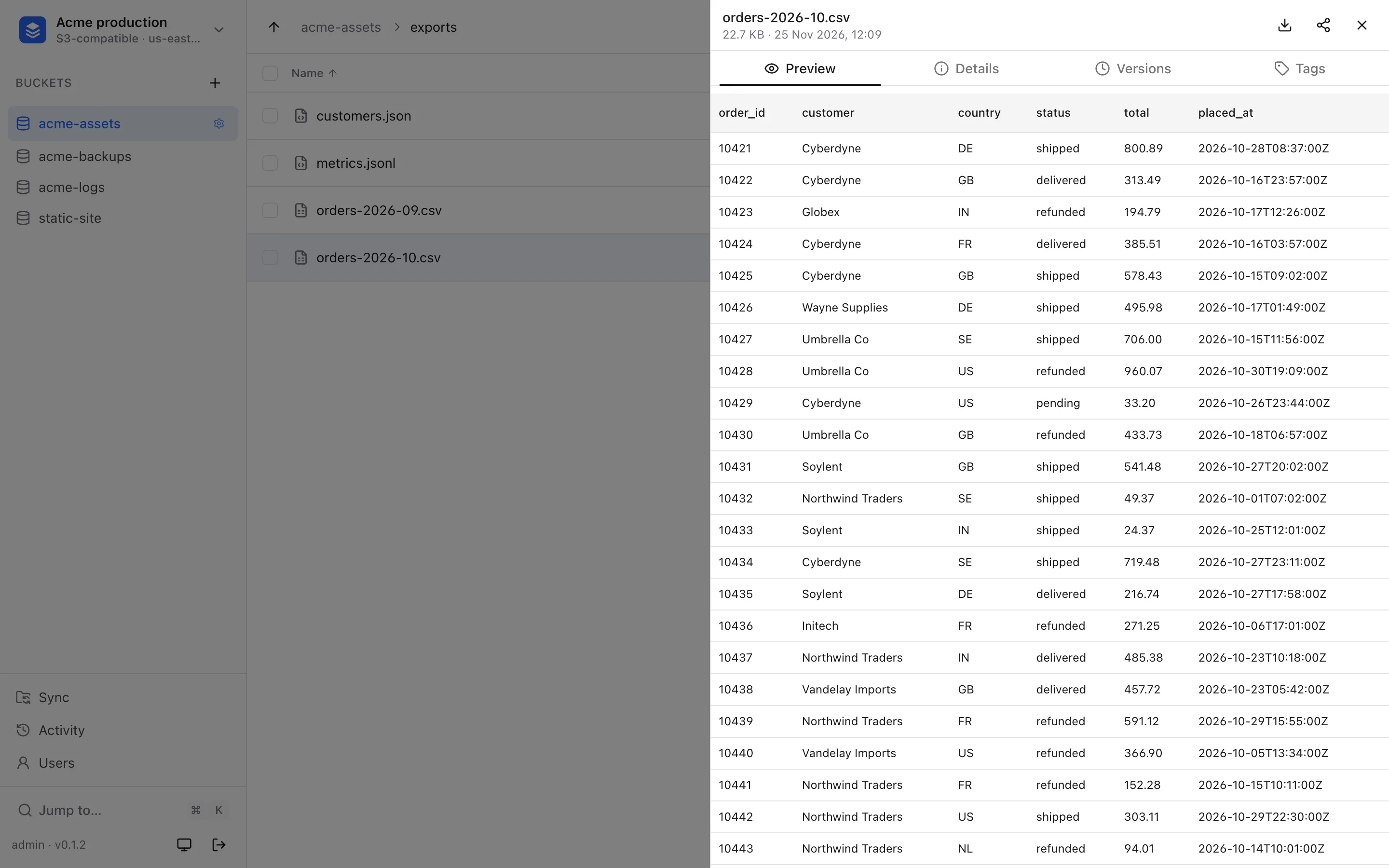
Images, video, audio, PDF, code with highlighting, formatted JSON, CSV as a table and Markdown. Large files preview from their first bytes.
Uploads that resume
Drag files or whole folders. Big files go up in parallel parts with pause and cancel, and continue where they stopped.
Downloads of any size
Files stream straight from storage. Select several, or a folder, and get one ZIP built on the fly.
Copy, move and sync
Server-side copy inside or between buckets, drag to move, and compare two folders, even R2 → S3, then mirror them.
Links to share
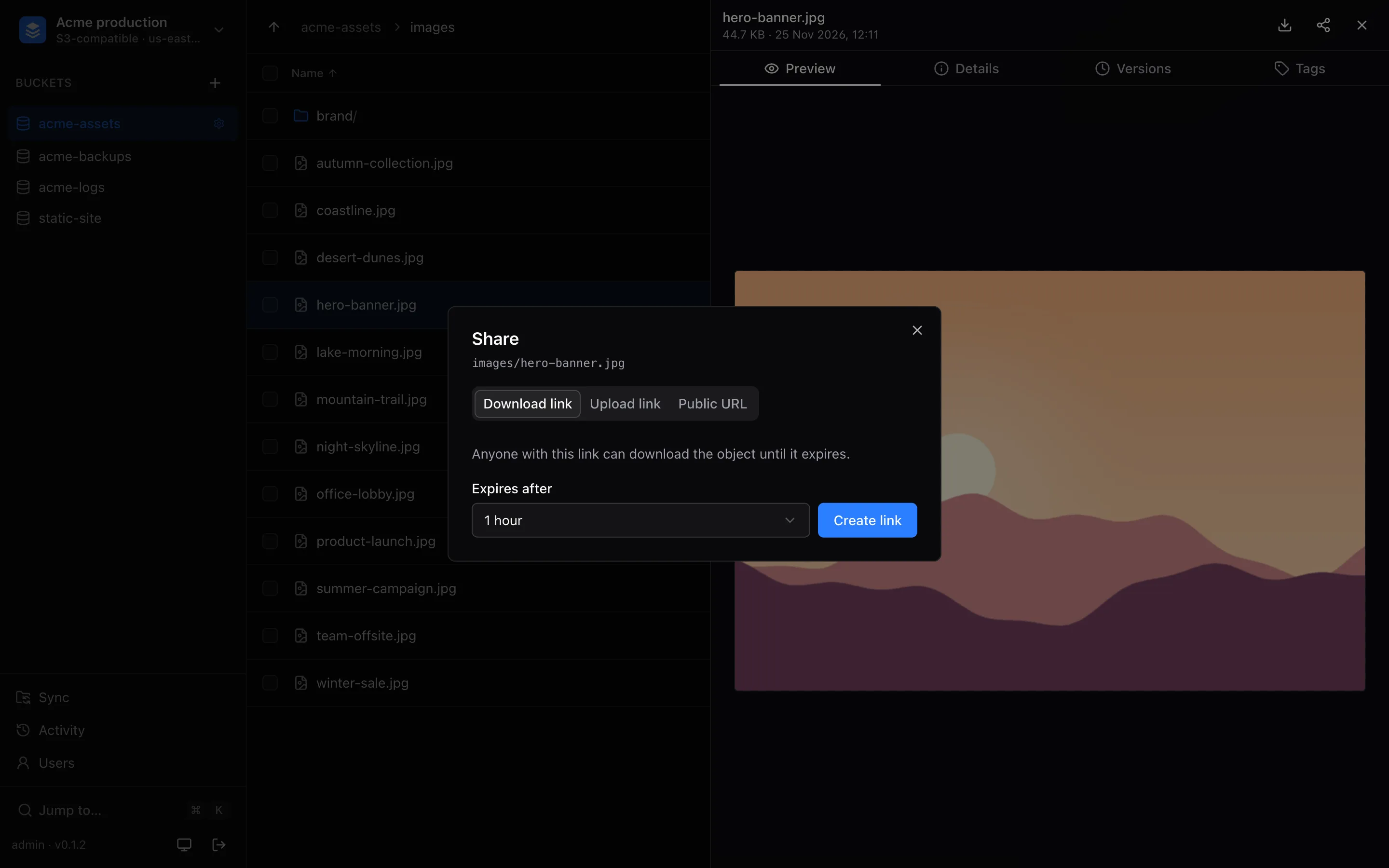
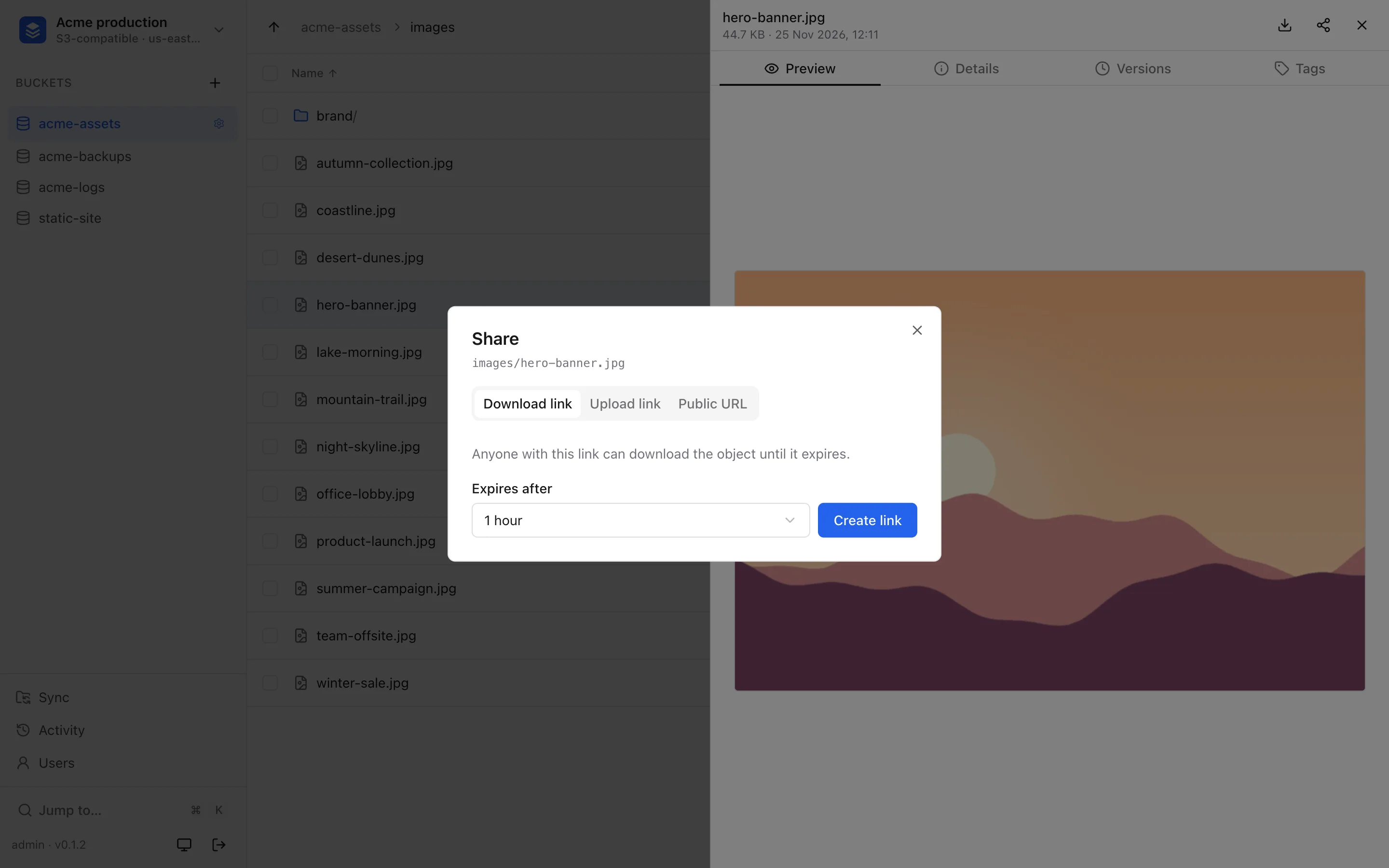
Presigned download links from minutes to 7 days, upload links for one key, and public URLs for public buckets.
Versions and undelete
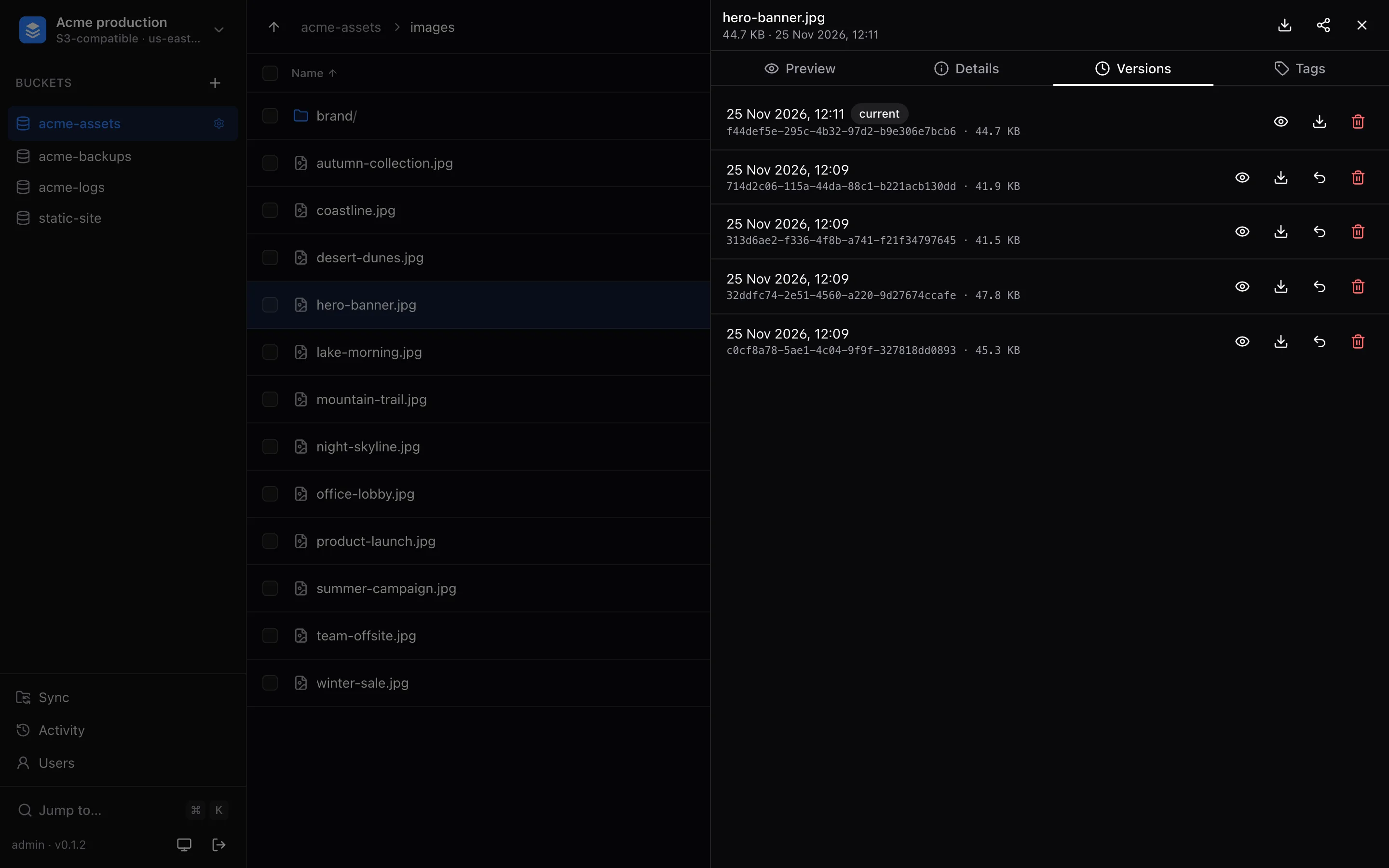
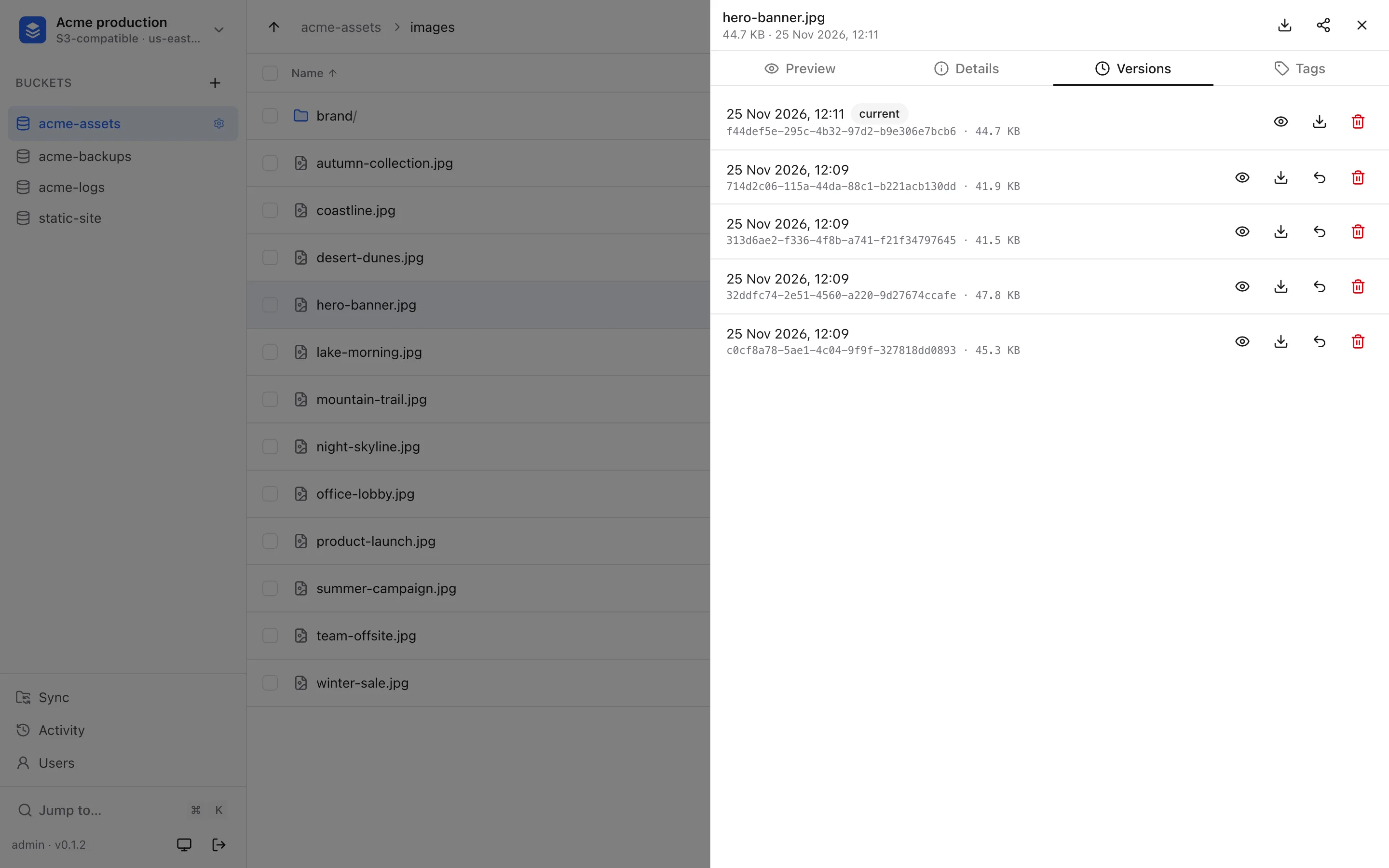
List an object’s versions, restore an older one, and bring back deleted files on versioned buckets.
Bucket settings
Versioning, CORS, lifecycle rules, bucket policy and public access, each in a JSON editor that validates before saving.
Storage classes and Glacier
Move objects between classes, restore archived ones, and clean up incomplete multipart uploads you’re still billed for.
Storage usage
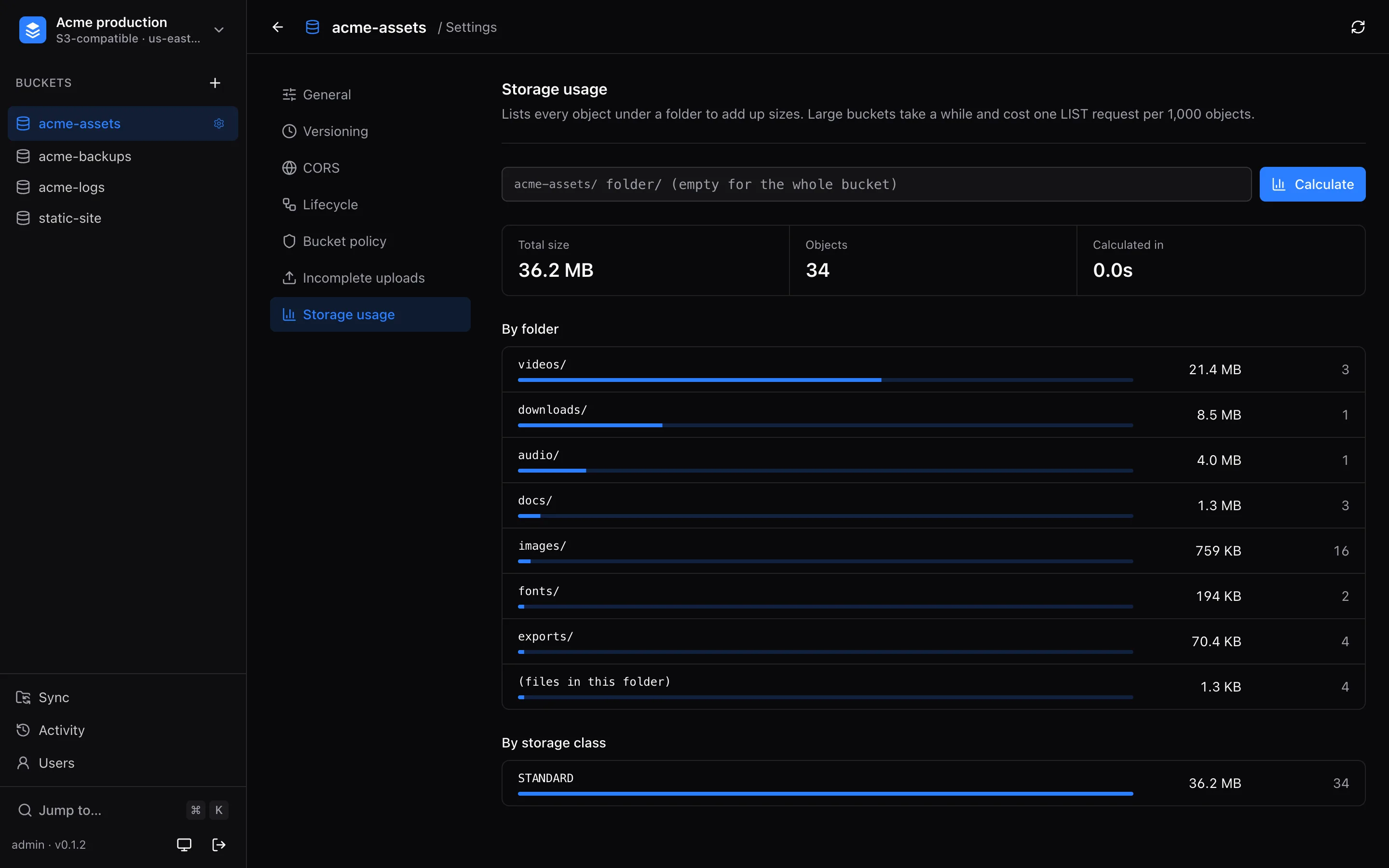
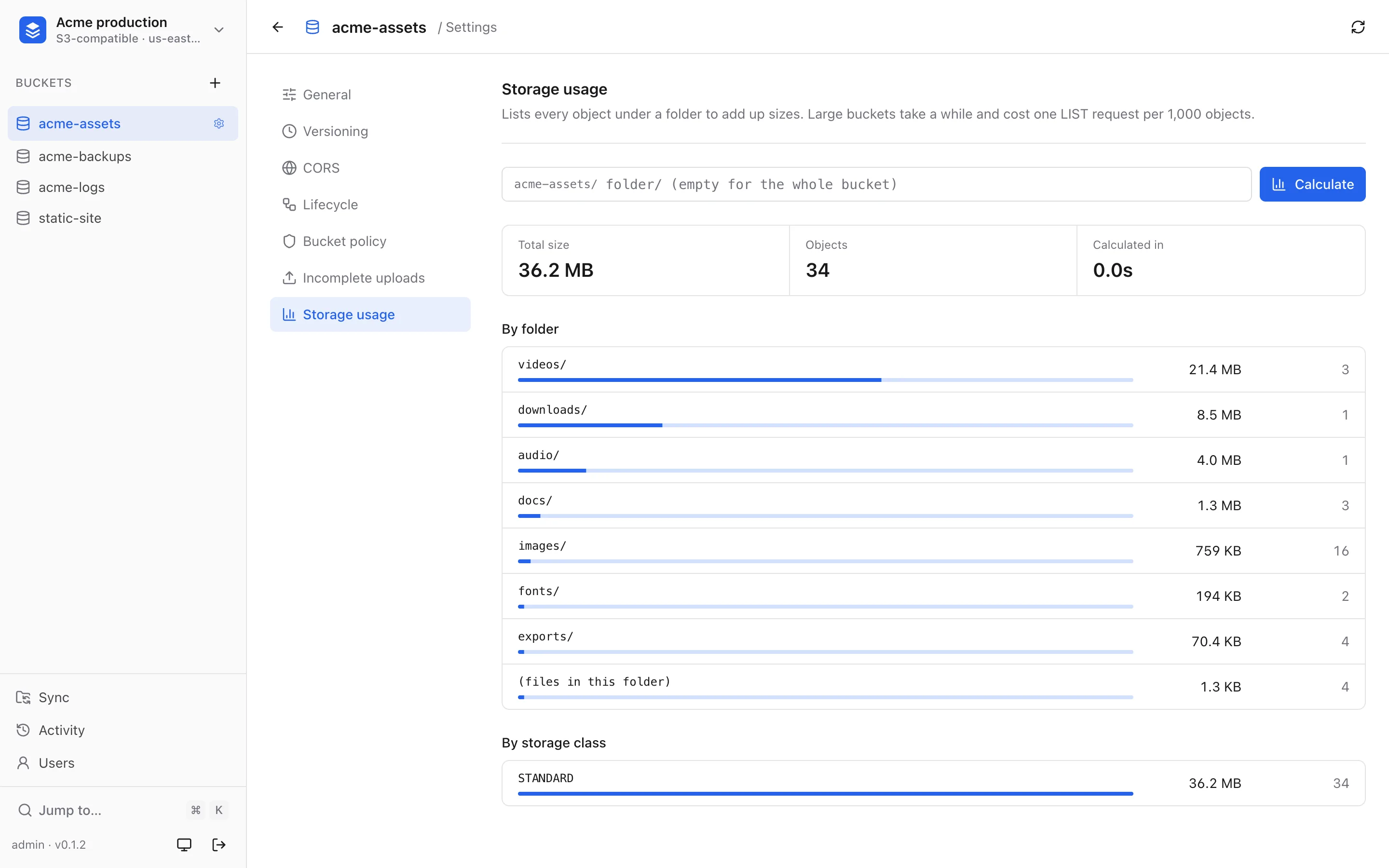
Size and object count of a bucket or folder, broken down by subfolder and storage class, on demand.
Users, roles and SSO
Viewers, editors and admins with their own login, or sign-in with Google, Microsoft, Okta or any OpenID Connect provider.
Fast from the keyboard
⌘K to switch buckets, Space to preview, ⌘U to upload, / to filter, and arrow keys to move between rows.
Take the tour.
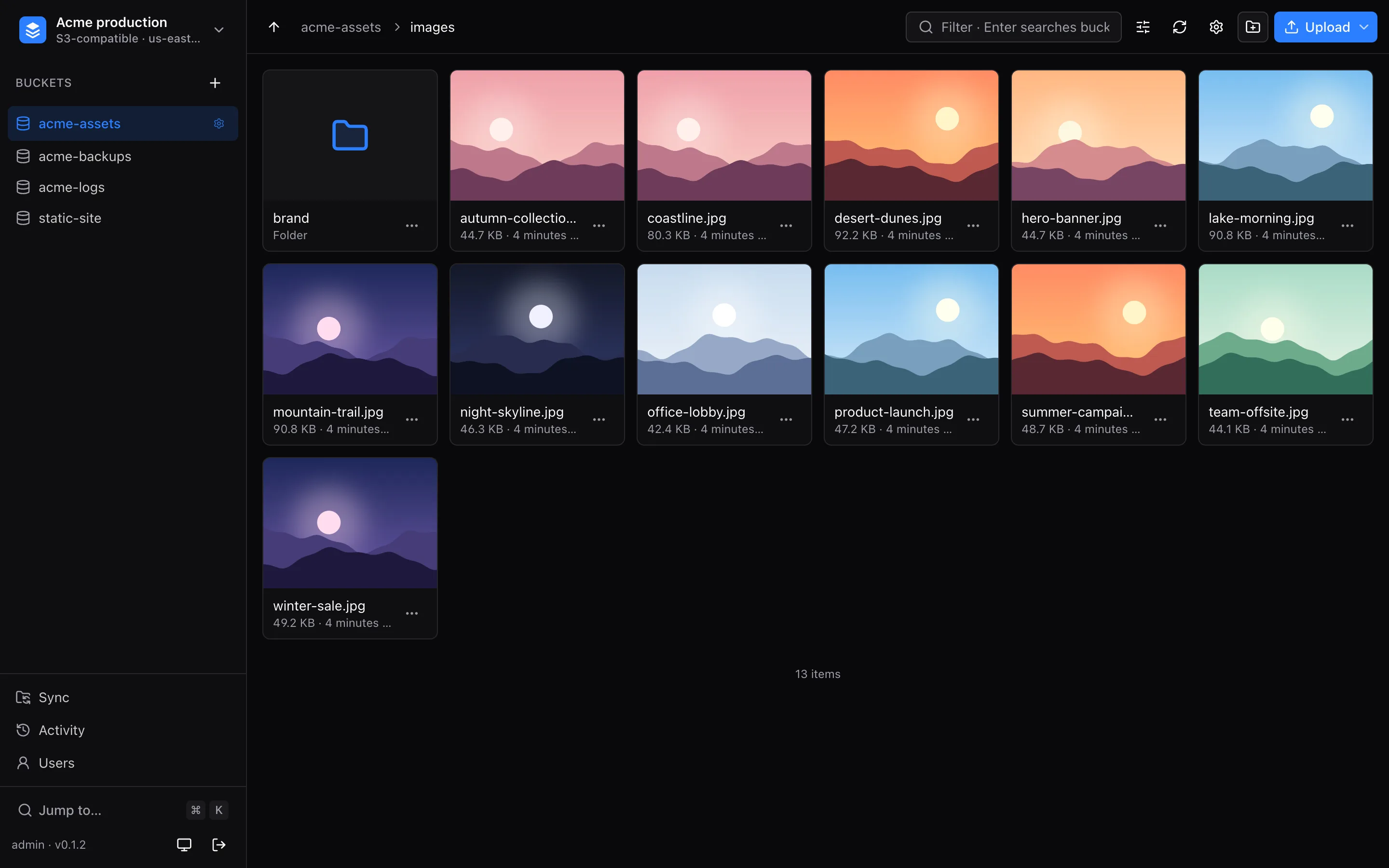
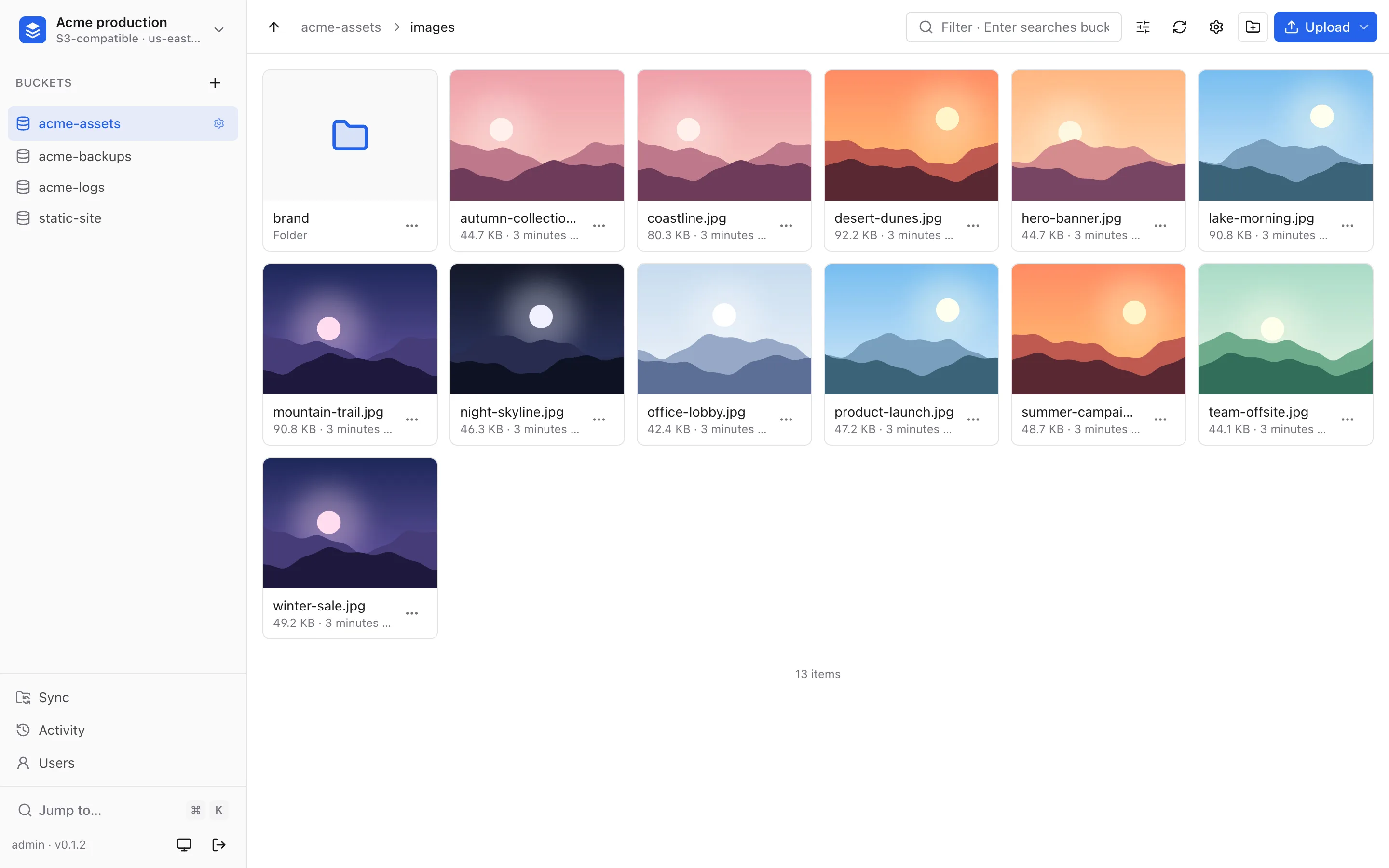
Real screens from s3deck, browsing a demo assets bucket.
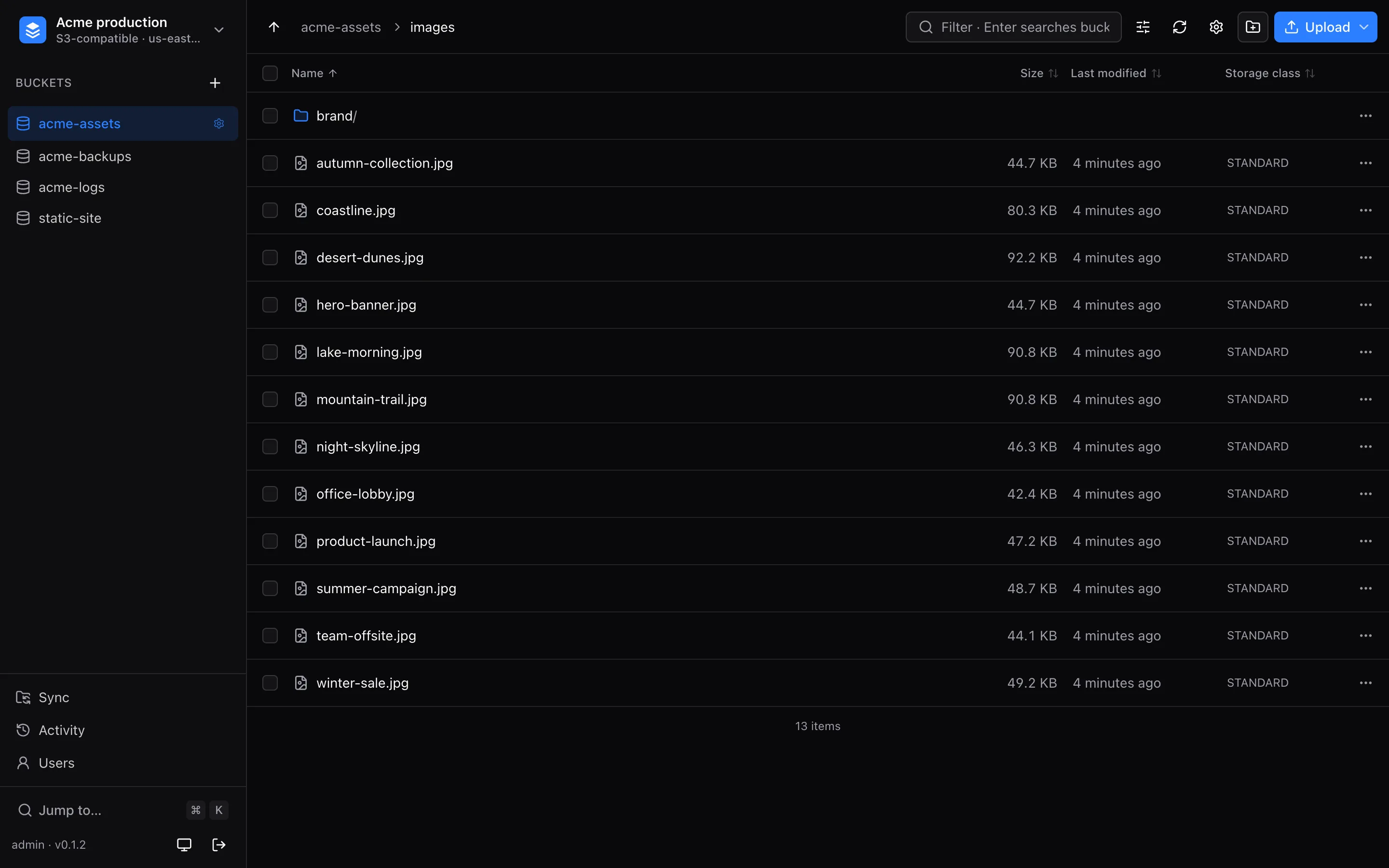
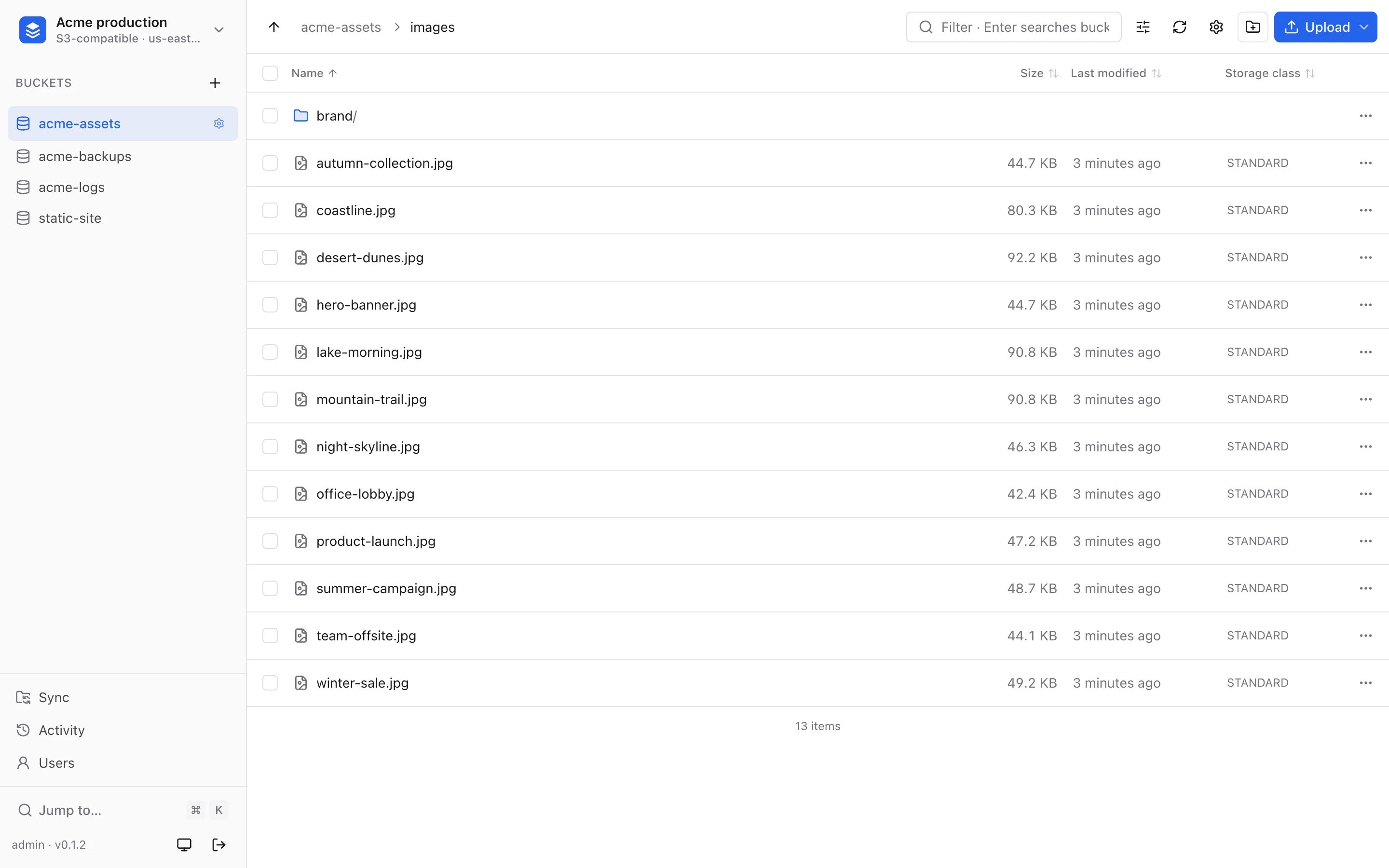
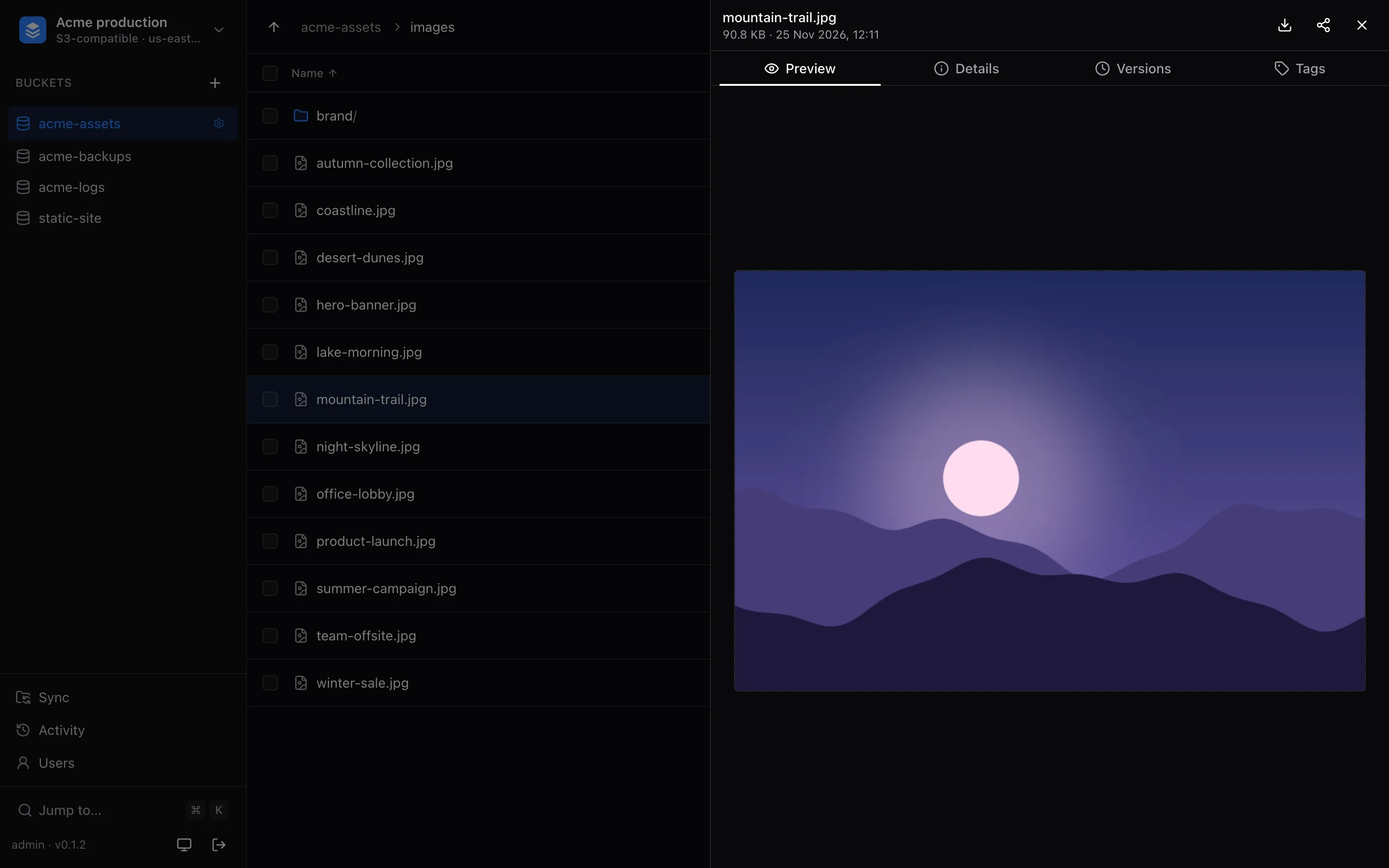
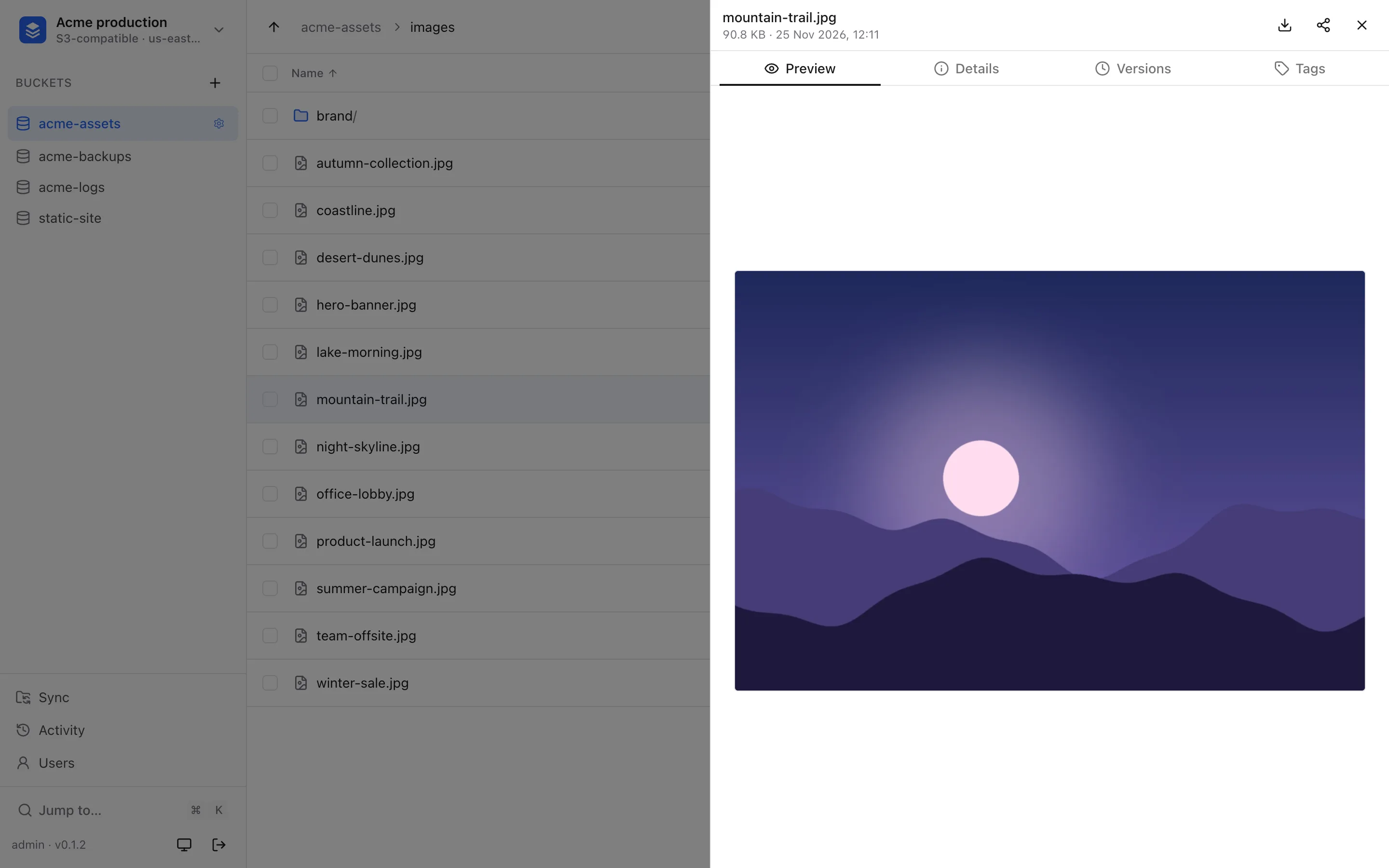
Every bucket in the sidebar, folders with breadcrumbs, and columns for size, date and storage class.
Press Space on a file to preview it in a side panel, with its details, versions and tags one tab away.
CSV opens as a table, JSON is formatted and code is highlighted, without downloading anything.
On versioned buckets, every version of an object: preview, download or restore any of them.
Presigned download links with an expiry from minutes to 7 days, upload links, or the public URL.
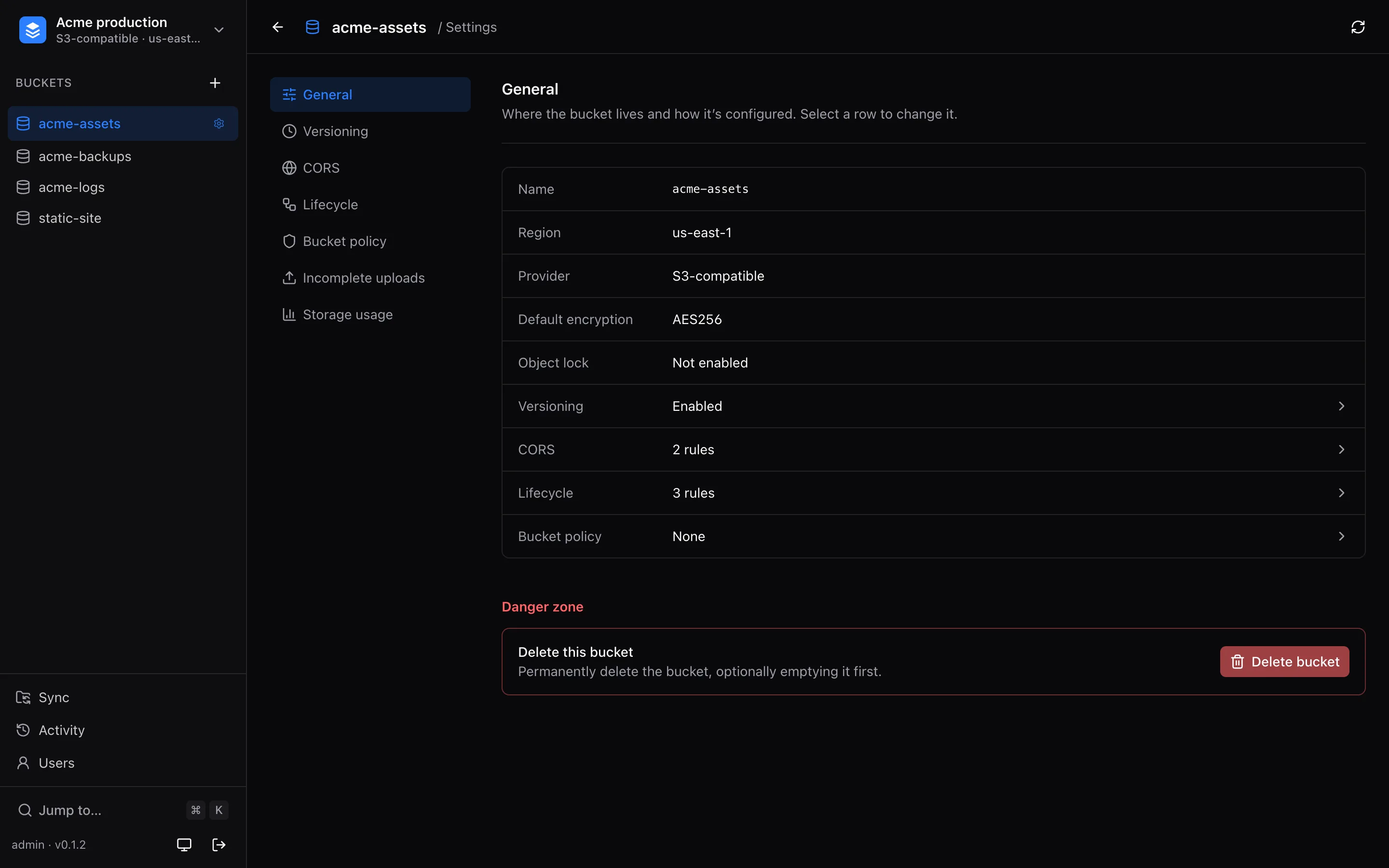
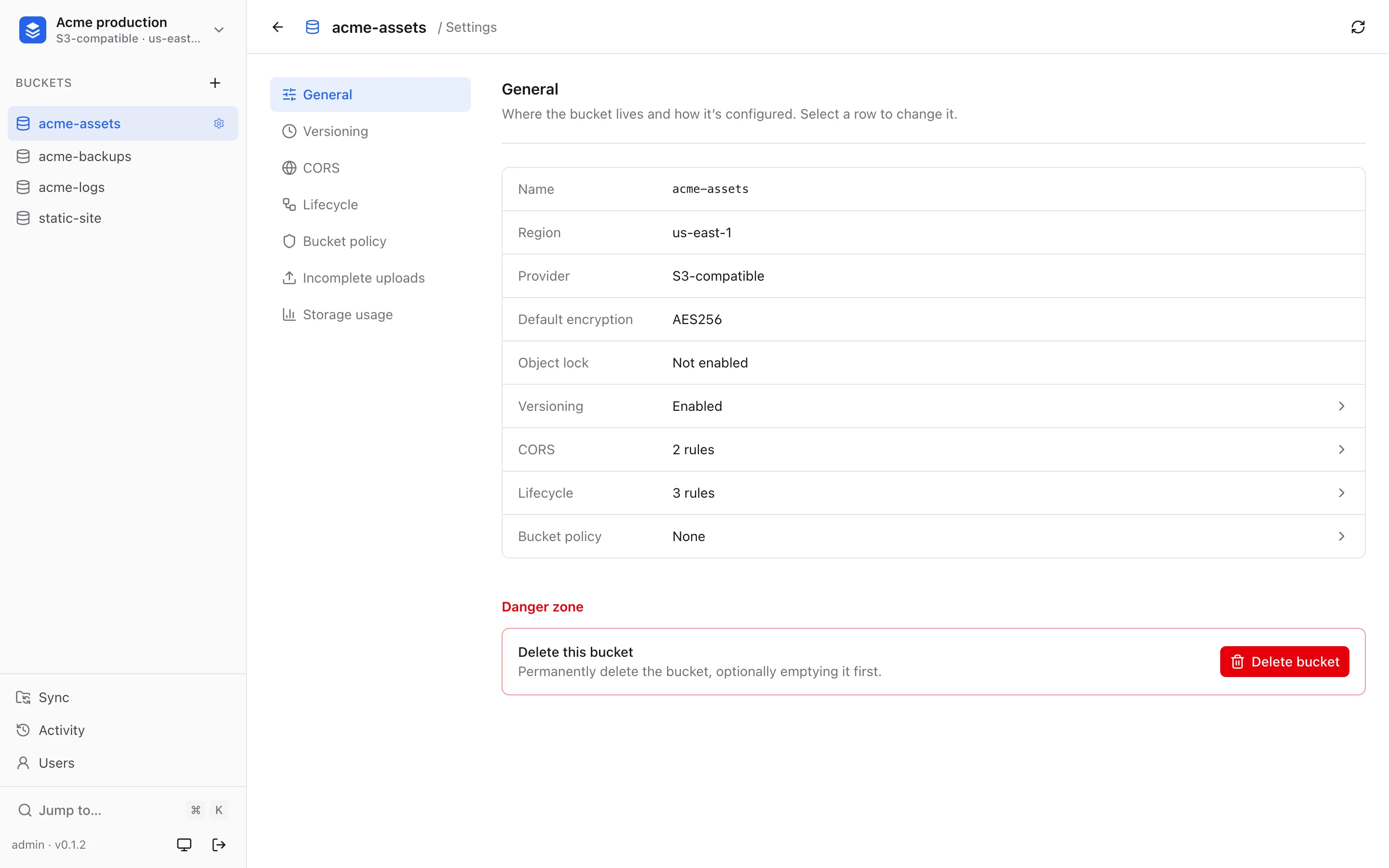
Versioning, CORS, lifecycle, bucket policy and encryption at a glance, each a click from its editor.
Calculate the size and object count of a bucket or folder, broken down by subfolder and storage class.
Run it next to your storage.
On your laptop with your usual AWS profile. On a server behind a reverse proxy with HTTPS for your team. Uploads and downloads stream straight through, so file size doesn’t matter.
- --readonly
- No uploads, edits or deletes
- --bucket <name>
- Open buckets a key can’t list
- --profile <name>
- Use an AWS profile, SSO included
- --base-path /s3
- Serve under a path prefix
- --path-style
- For gateways that need host/bucket/key
# AWS with a named profile, opens your browser
npx s3deck --profile prod --open

# Local MinIO with its default credentials
AWS_ACCESS_KEY_ID=minioadmin AWS_SECRET_ACCESS_KEY=minioadmin \
  npx s3deck http://localhost:9000

# Cloudflare R2, read-only
npx s3deck "https://$CF_ACCOUNT_ID.r2.cloudflarestorage.com" --region auto --readonly
# npx s3deck --base-path /s3 --password "$SECRET"
location /s3/ {
proxy_pass http://127.0.0.1:47715;
proxy_http_version 1.1;
proxy_set_header Host $host;
proxy_set_header X-Forwarded-For $proxy_add_x_forwarded_for;
proxy_set_header X-Forwarded-Proto $scheme;
# Large transfers: no body limit, stream both ways
client_max_body_size 0;
proxy_request_buffering off;
proxy_buffering off;
proxy_read_timeout 1h;
proxy_send_timeout 1h;
}# handle_path strips /s3, so start s3deck without --base-path
example.com {
handle_path /s3/* {
reverse_proxy 127.0.0.1:47715
}
}# Any OpenID Connect provider. Redirect URL: /api/auth/sso/callback
S3DECK_OIDC_ISSUER=https://accounts.google.com \
S3DECK_OIDC_CLIENT_ID=… S3DECK_OIDC_CLIENT_SECRET=… \
S3DECK_OIDC_ALLOW="@example.com" \
S3DECK_OIDC_DEFAULT_ROLE=viewer \
S3DECK_PUBLIC_URL=https://files.example.com \
npx s3deckKeys never reach the browser
The server signs every S3 request. The UI only sees object data and links you create.
Login by default
A random password at every start, HTTP-only SameSite=Strict cookies, and rate-limited sign-in.
Roles checked every request
Change someone’s role or disable them and it applies at once. Passwords are scrypt hashes.
Least privilege
Anyone who logs in can do what the key can. Scope it to the buckets and actions you need.
Point it at a bucket and press Enter.
It uses the AWS credentials you already have, prints a link and a password. Open the link. That’s the setup.
npx s3deck --profile prod --open