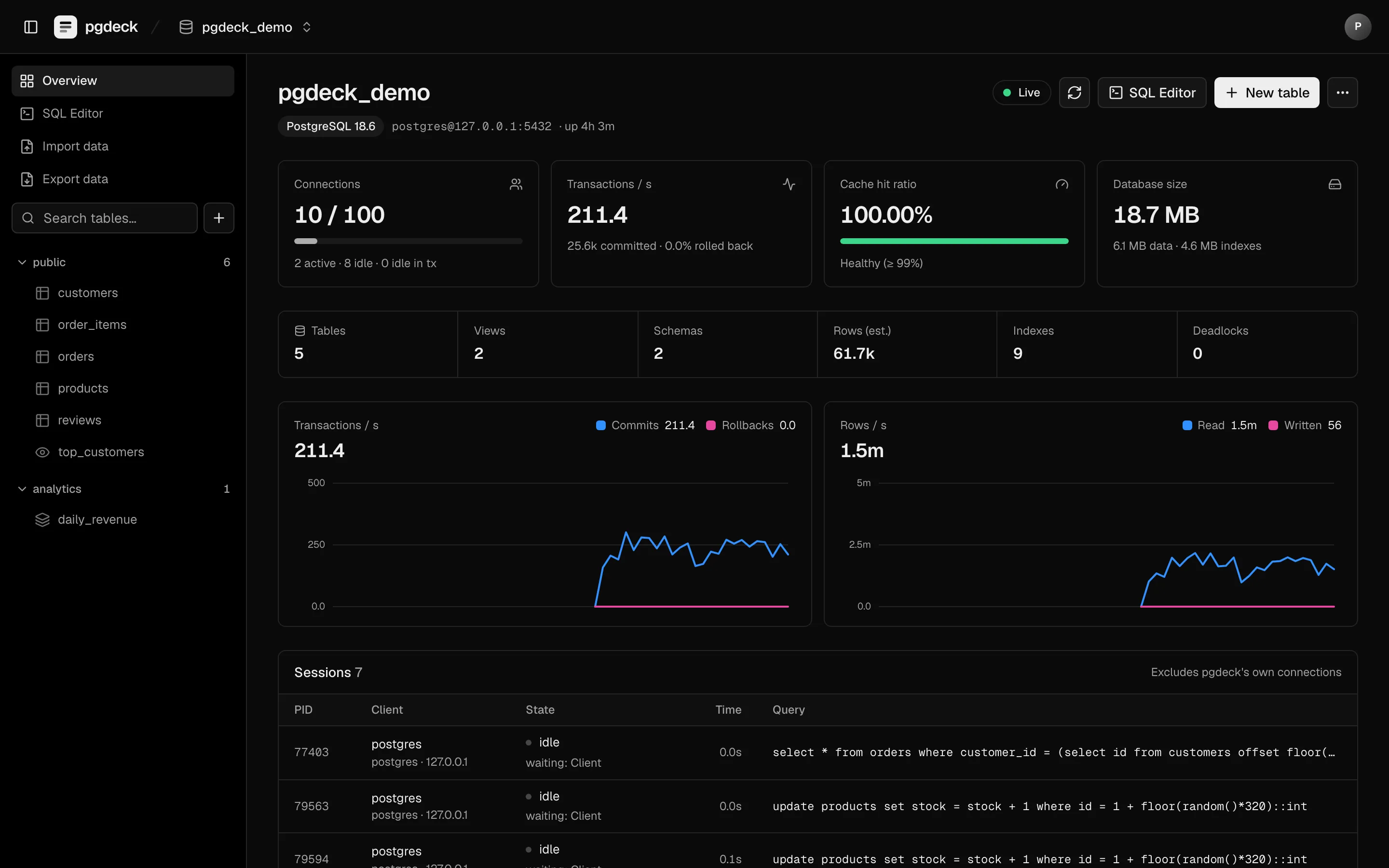
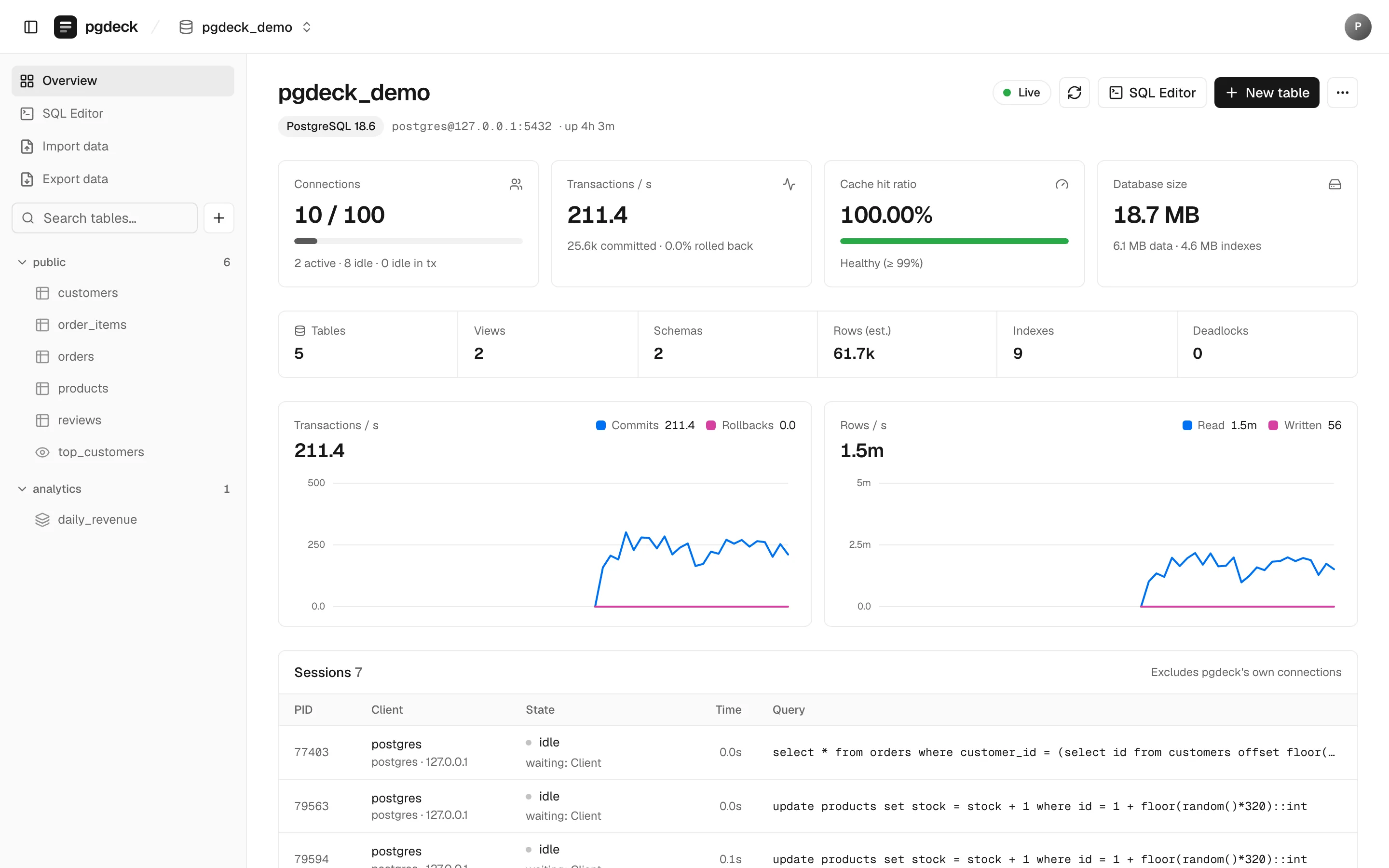
Live overview
Transactions and rows per second streamed every two seconds, with sessions, storage and health checks.
Transactions / s
154
CommitsRollbacks
LiveBrowse and edit rows, run SQL, change tables and watch live activity on every database on your server. pgdeck runs wherever Node does and opens in any browser.
npx pgdeck postgres://user:pass@host:5432/dbFree and open source, MIT licensed. Needs Node.js 20 or newer.
No agent to install on the server, no desktop app, no account. pgdeck connects like any other Postgres client.
Pass a connection string, or let pgdeck read DATABASE_URL and the usual PG* variables.
One Node process on one port. It prints the address and a fresh login password.
On the same machine, through an SSH tunnel, or behind nginx or Caddy with HTTPS.
Not a stripped-down viewer. Editing, schema changes, imports, backups and monitoring, in one tab.
Transactions and rows per second streamed every two seconds, with sessions, storage and health checks.
Switch without restarting. Create, copy, rename and drop databases.
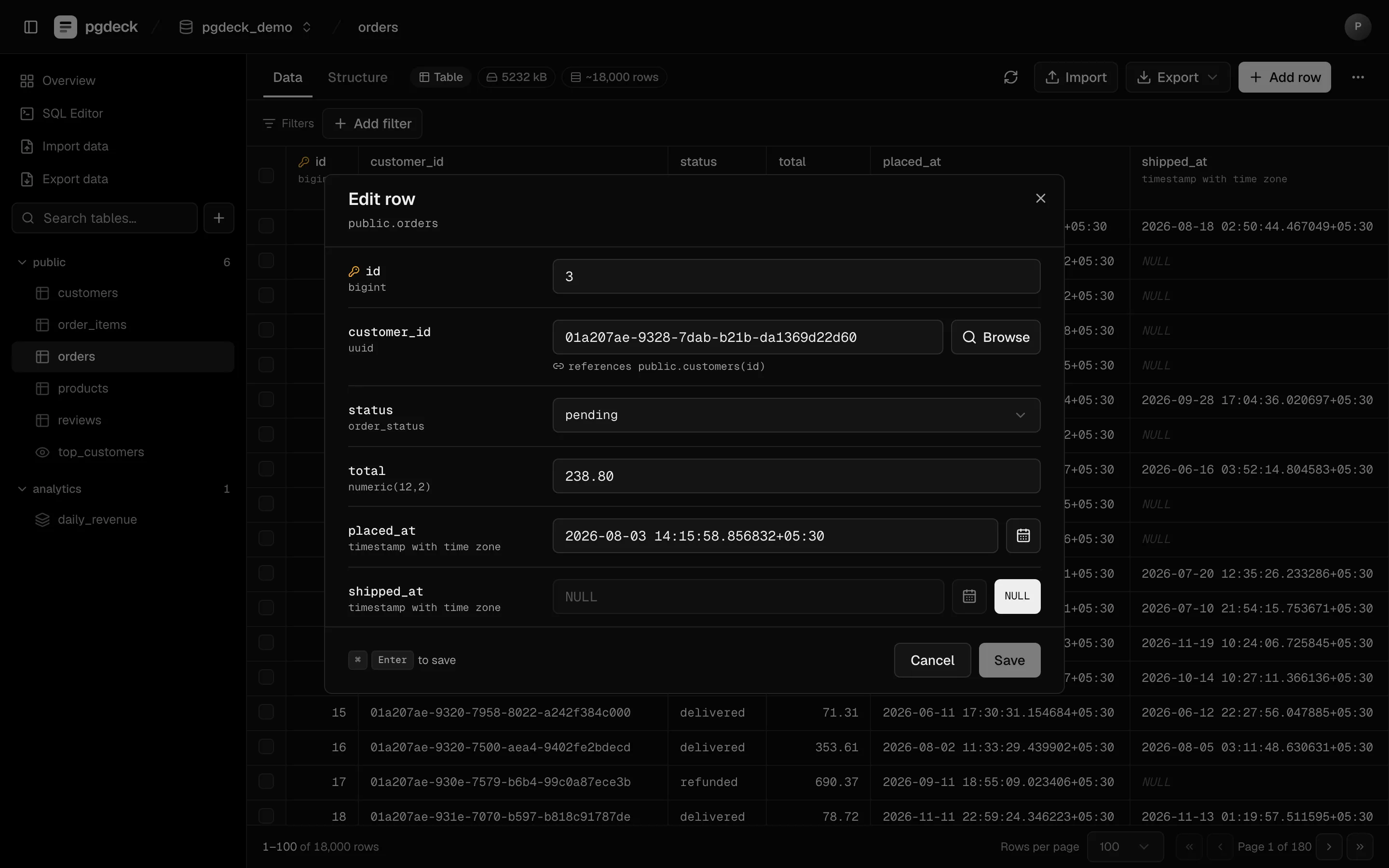
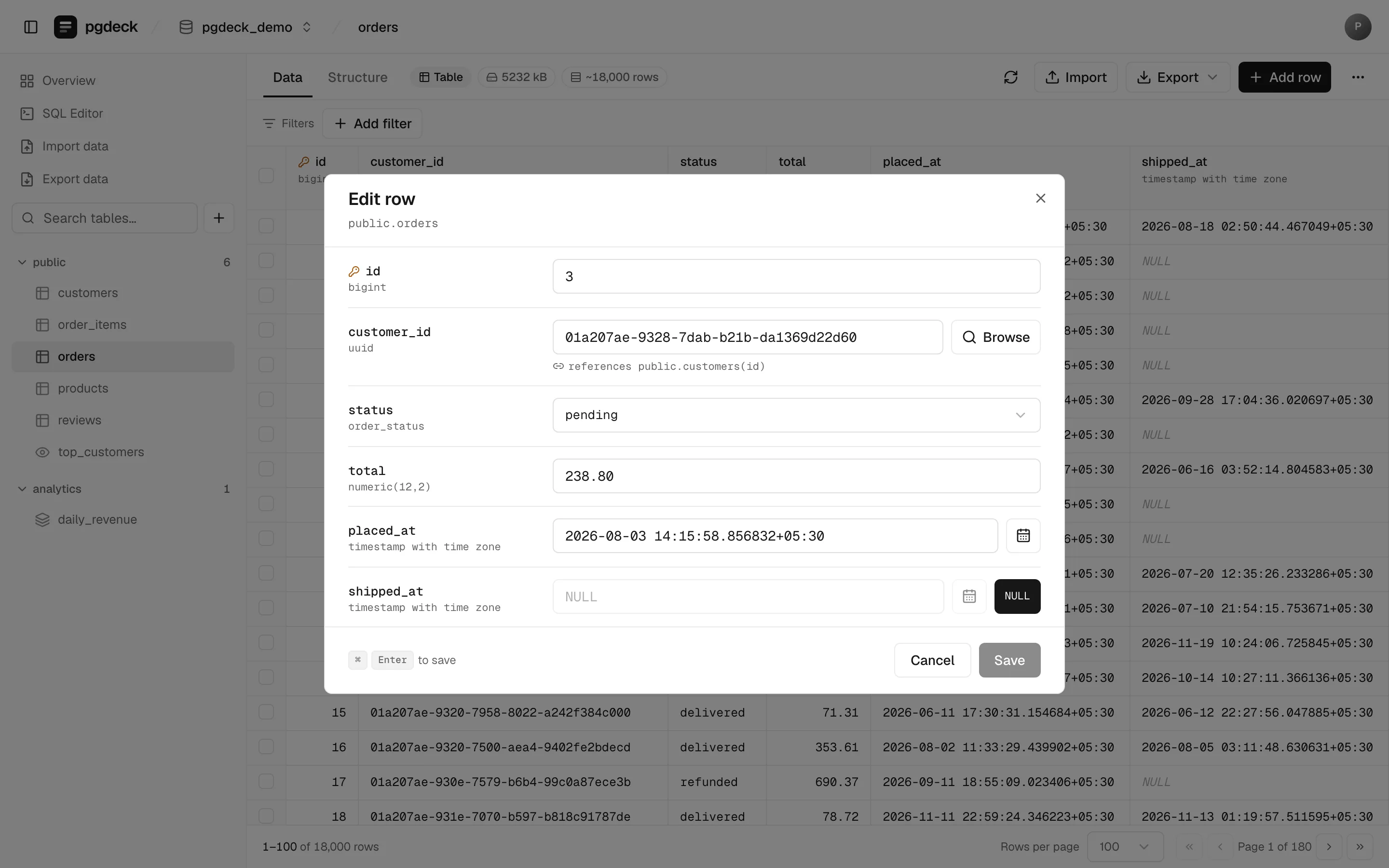
Menus for enums, a calendar for timestamps, checked JSON, UUIDs in the version you already use.
Equals, contains, in, like, is null and more, joined with AND or OR. No SQL needed.
CSV, TSV or JSON Lines, gzipped or not, streamed through COPY. A bad row rolls back and names the line.
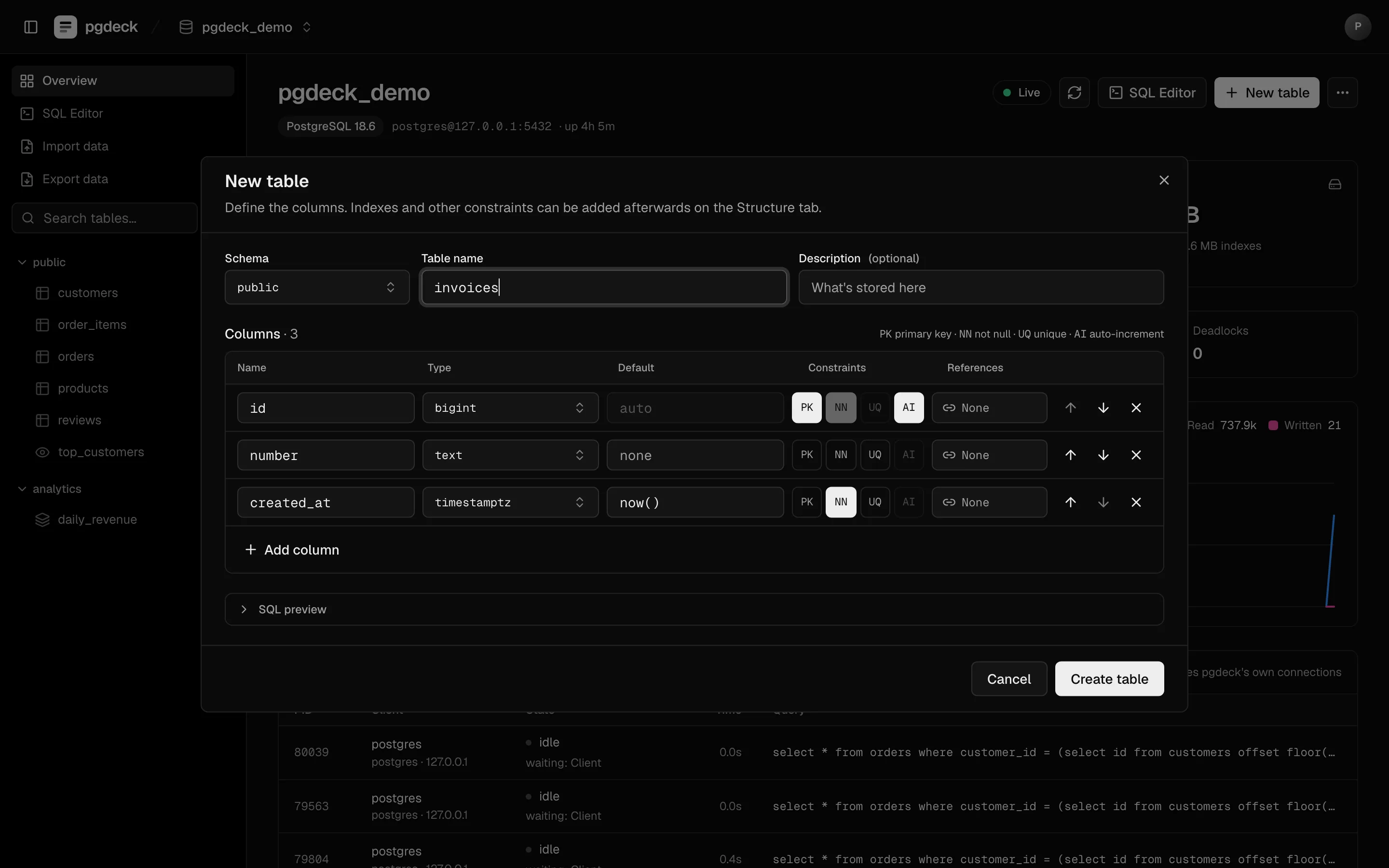
Create tables, add and retype columns, and build indexes concurrently. Every dialog shows the exact SQL it will run.
Preview the referenced row from any cell, jump to it, or see every table pointing back.
Everything travels as Postgres text: timestamps keep their zone, numeric and bigint never lose a digit.
Rename, duplicate, truncate, vacuum, analyze, refresh, drop, or copy the CREATE statement.
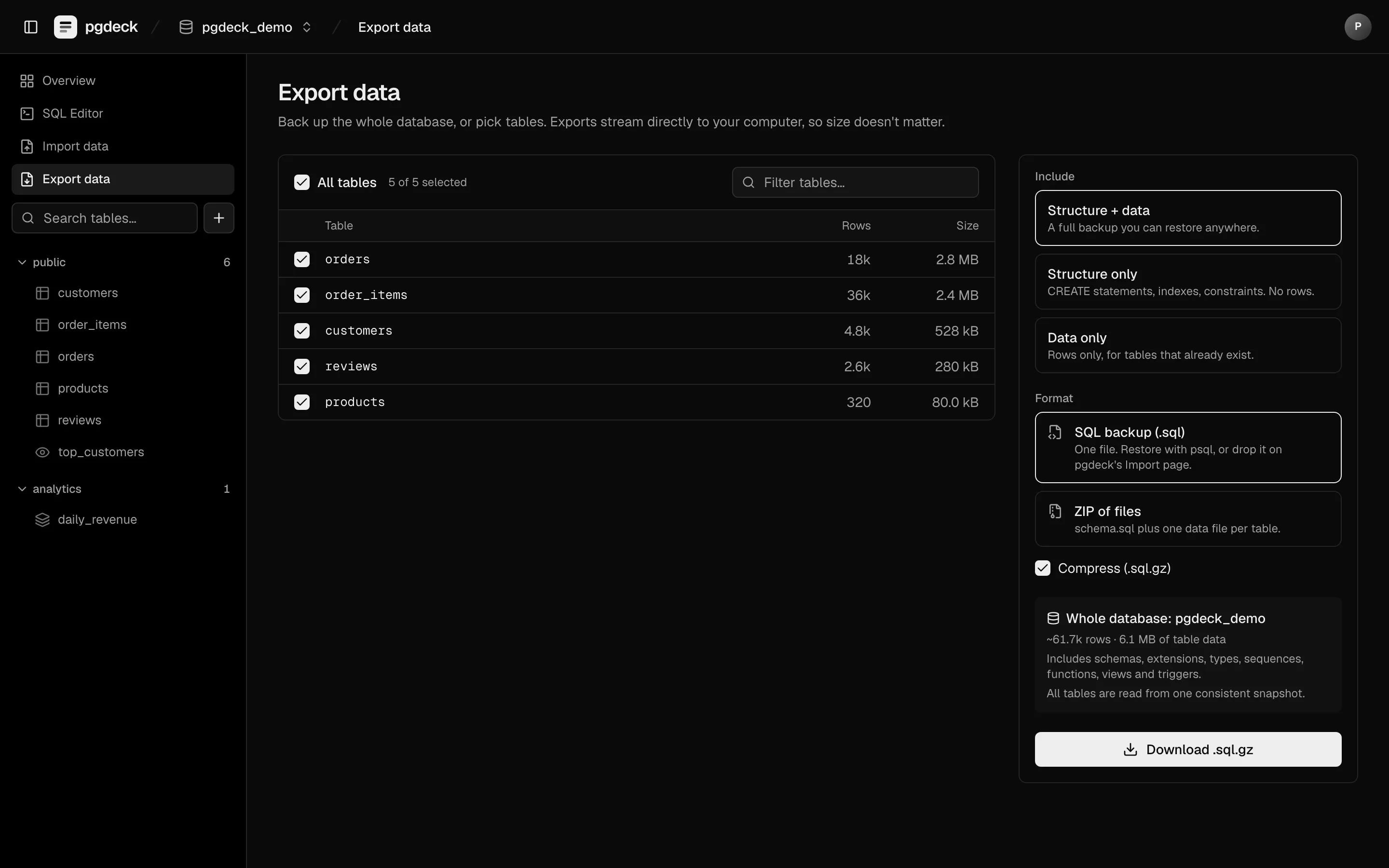
Consistent pg_dump-style backups out; plain, gzipped or custom-format dumps back in.
Never-analyzed tables, dead rows, missing indexes, with a button that fixes them.
Start with --readonly and every session is read-only and editing disappears.
Relative URLs, an optional base path, and WebSockets that pass through nginx or Caddy.
⌘K to switch databases, ⌘Enter to run SQL or save a row, Esc to close.
Follows your system, or pick one. Charts and code are tuned for both.
Real screens from pgdeck, running against a demo shop database.
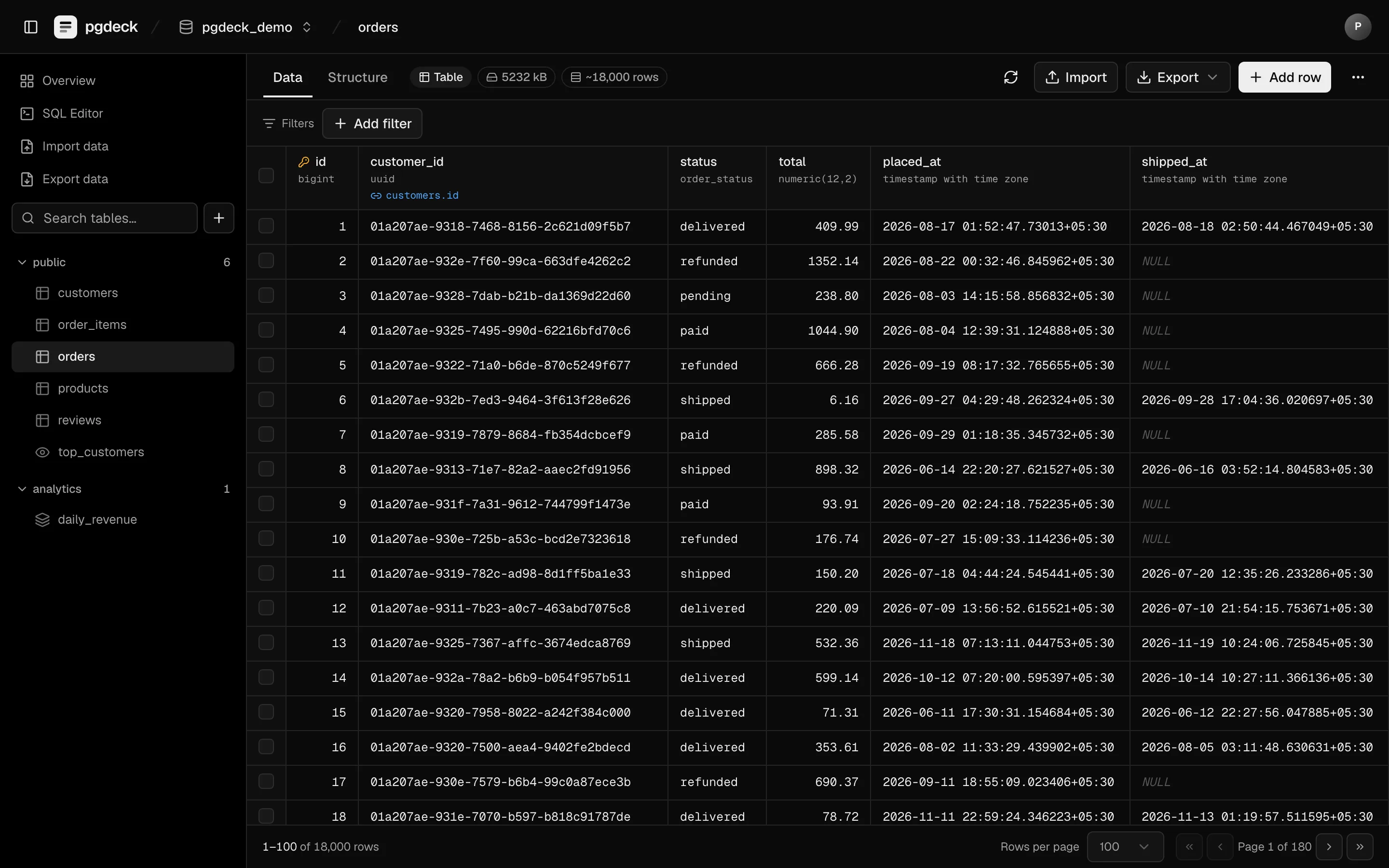
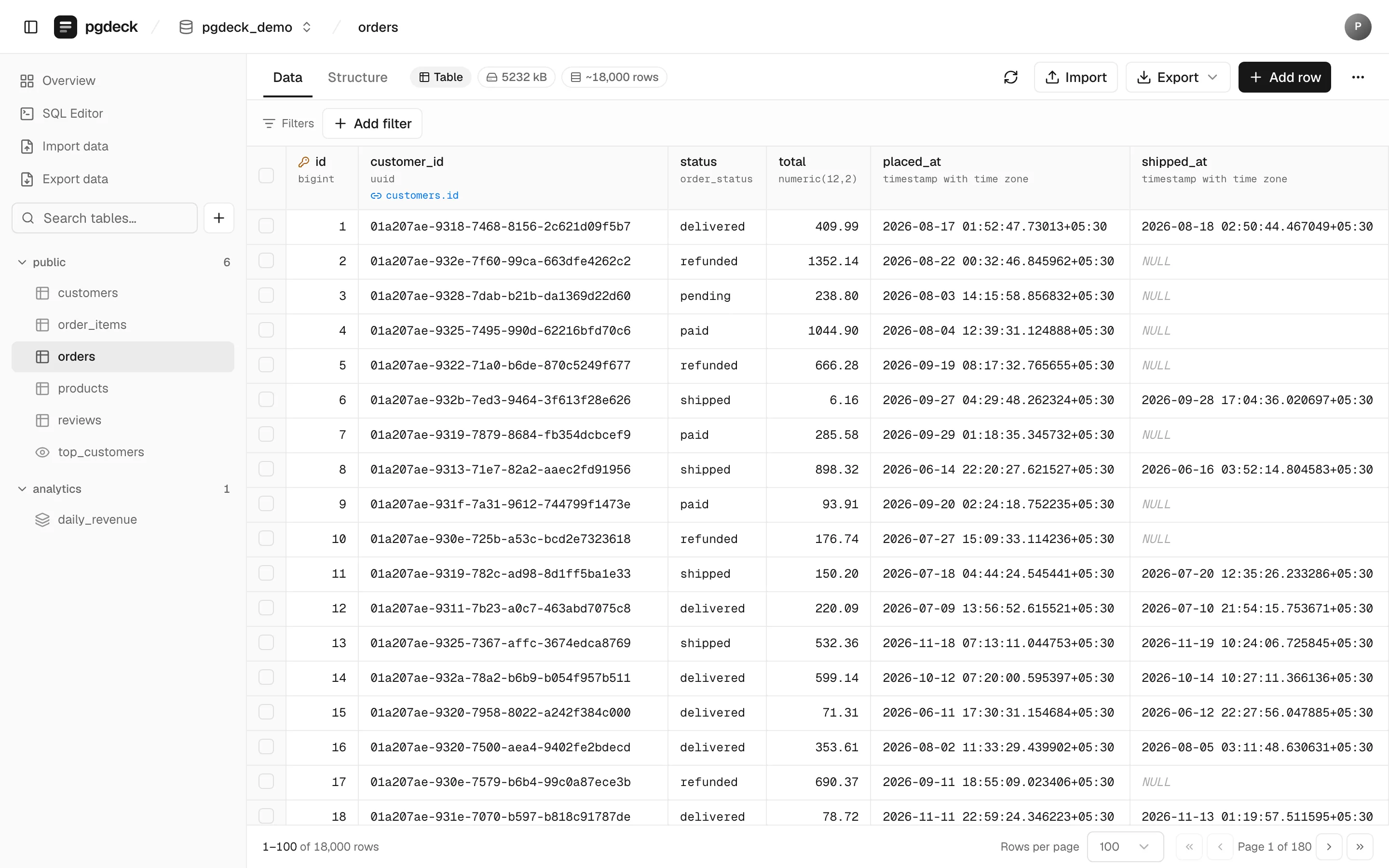
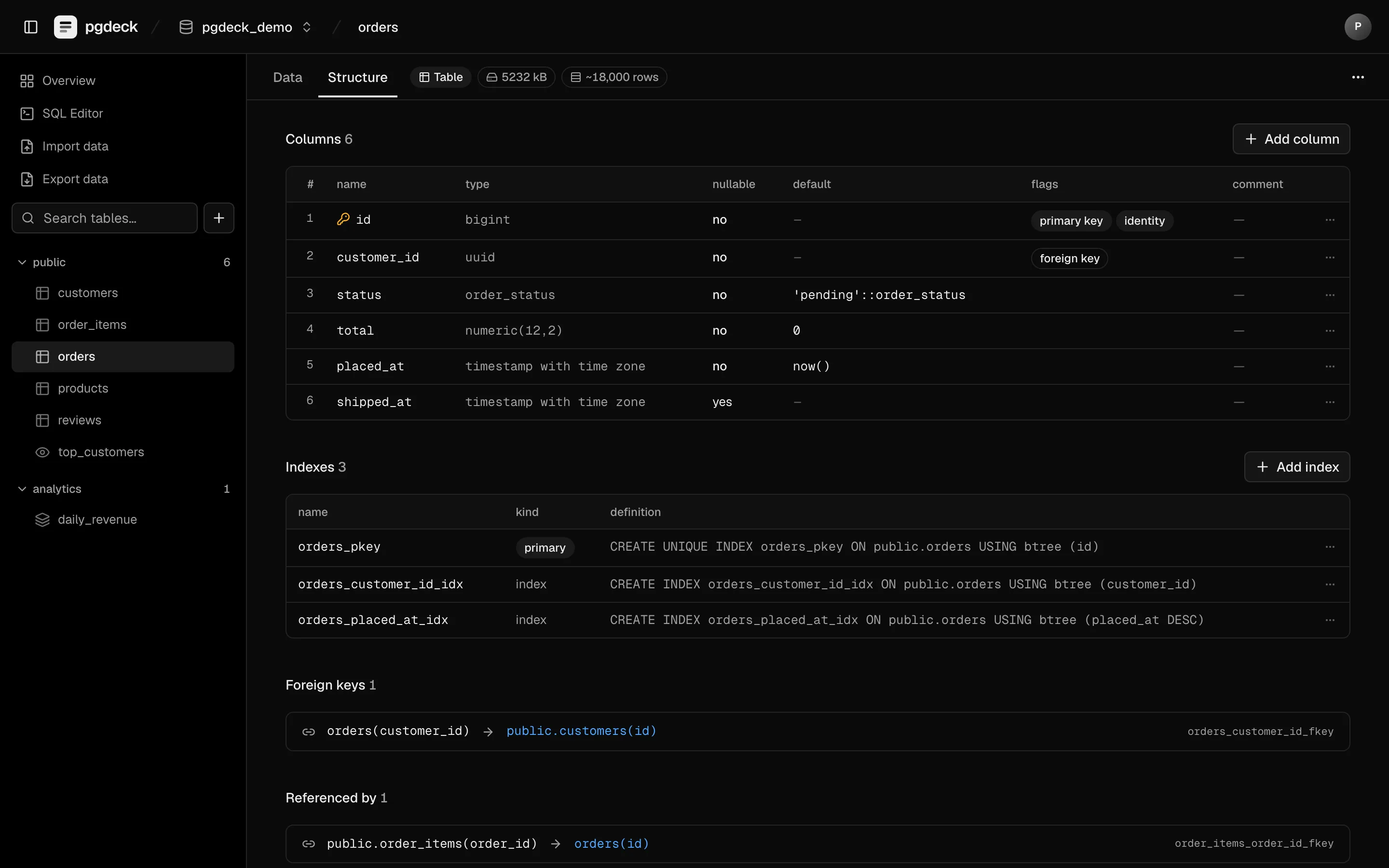
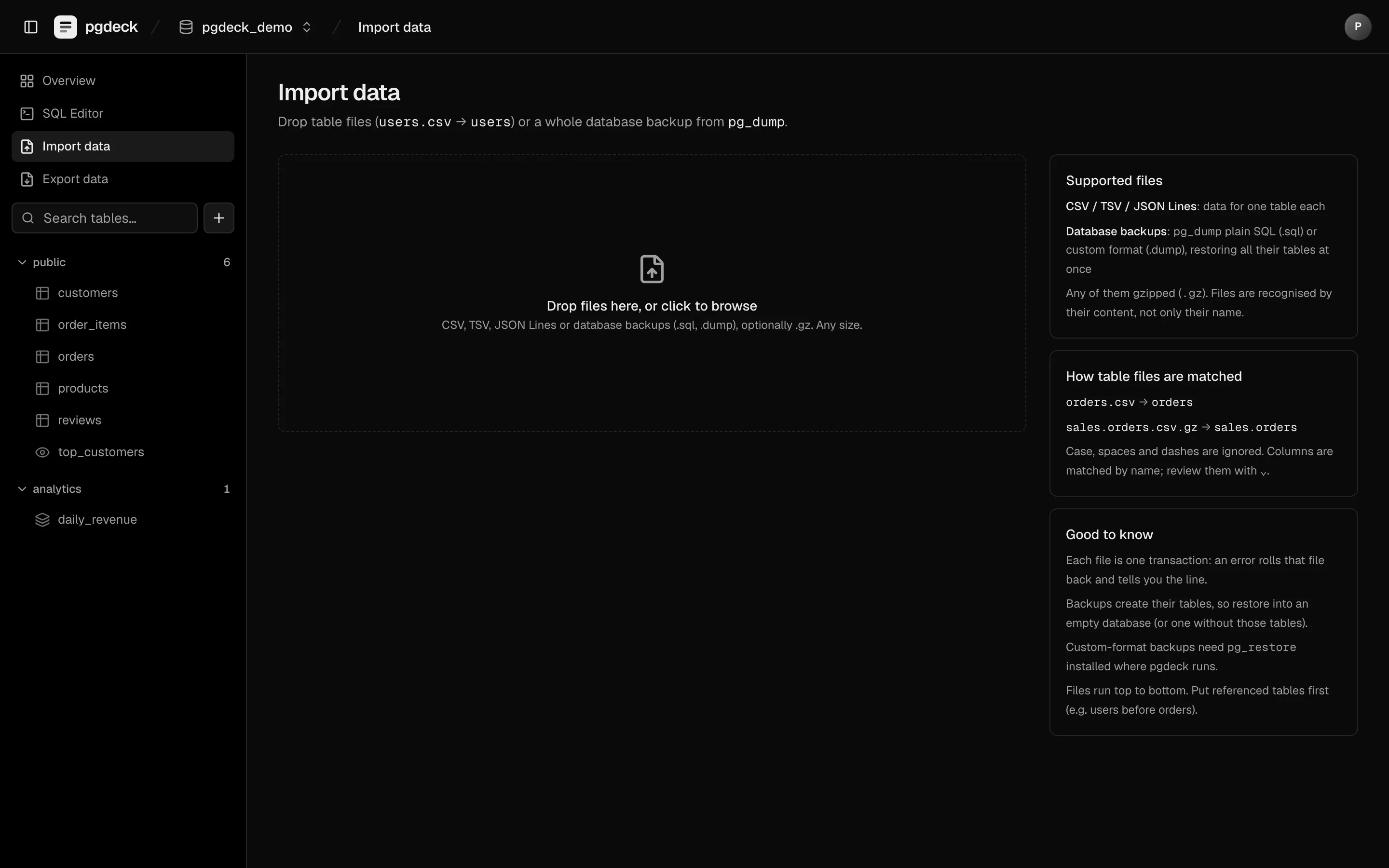
Sort, page and filter millions of rows. Headers show each type and where its foreign key points.
Double-click a row for a form with the right control for each column, including a picker for foreign keys.
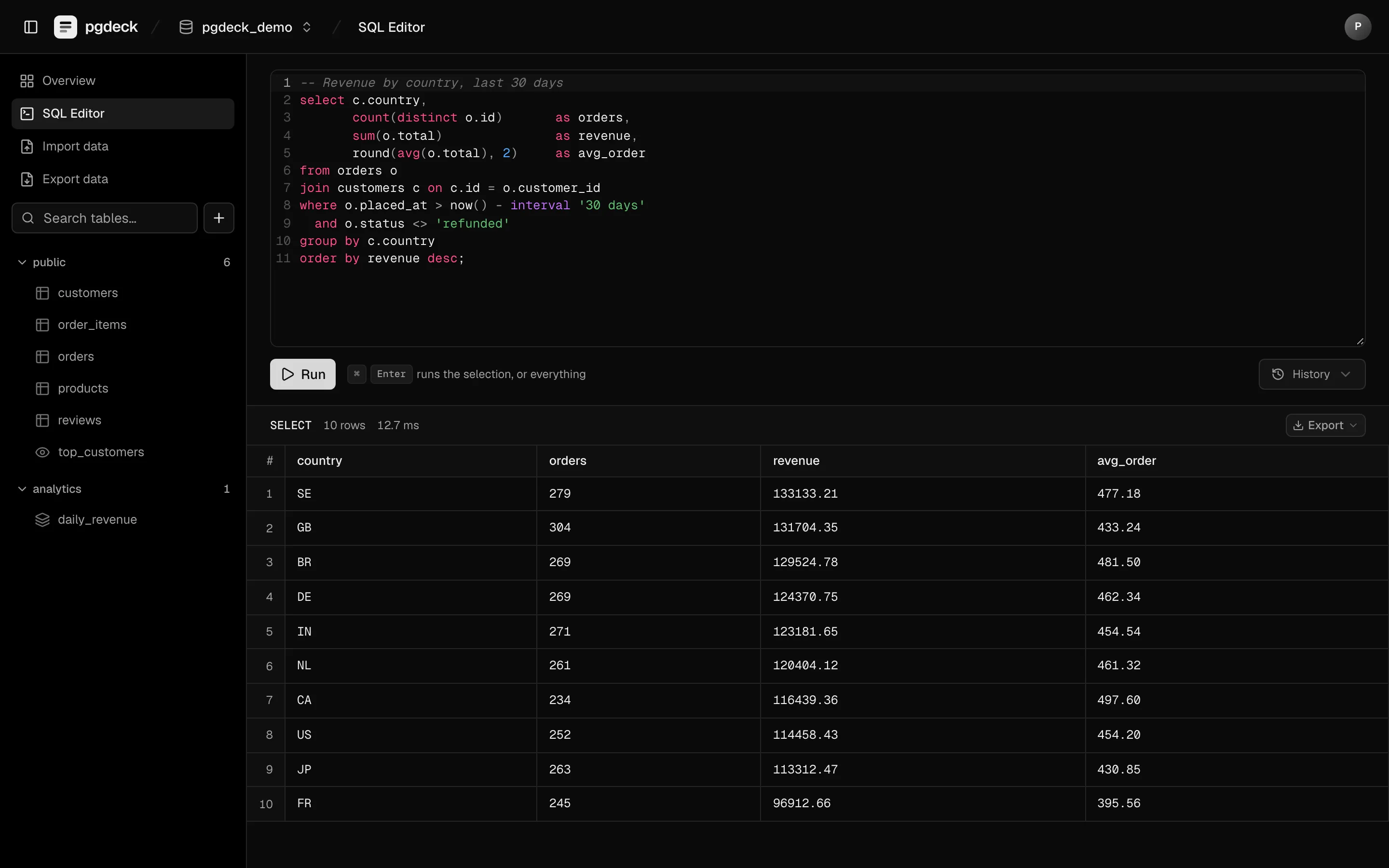
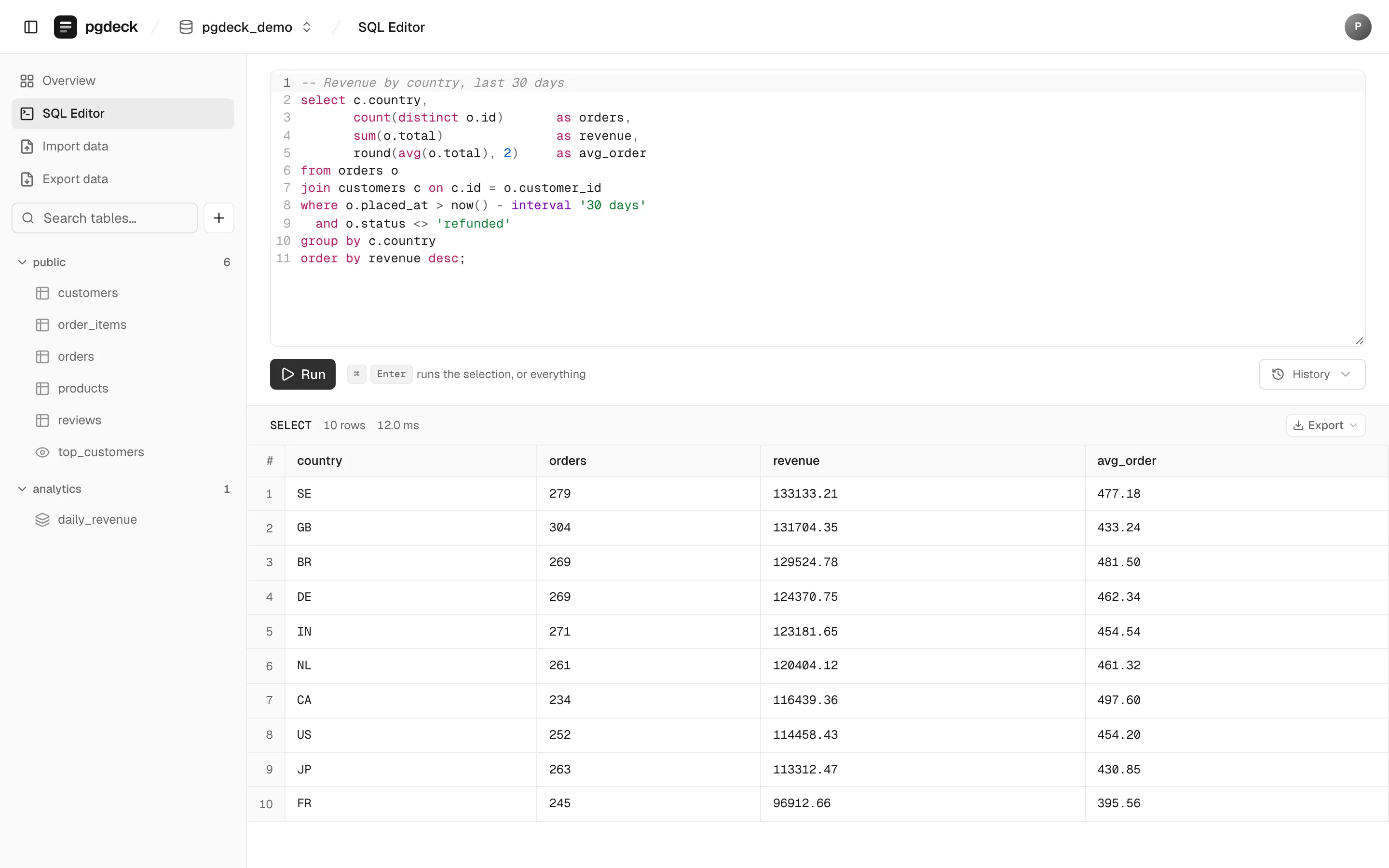
Highlighting and table autocomplete. Run the selection or the whole script, keep history, export results.
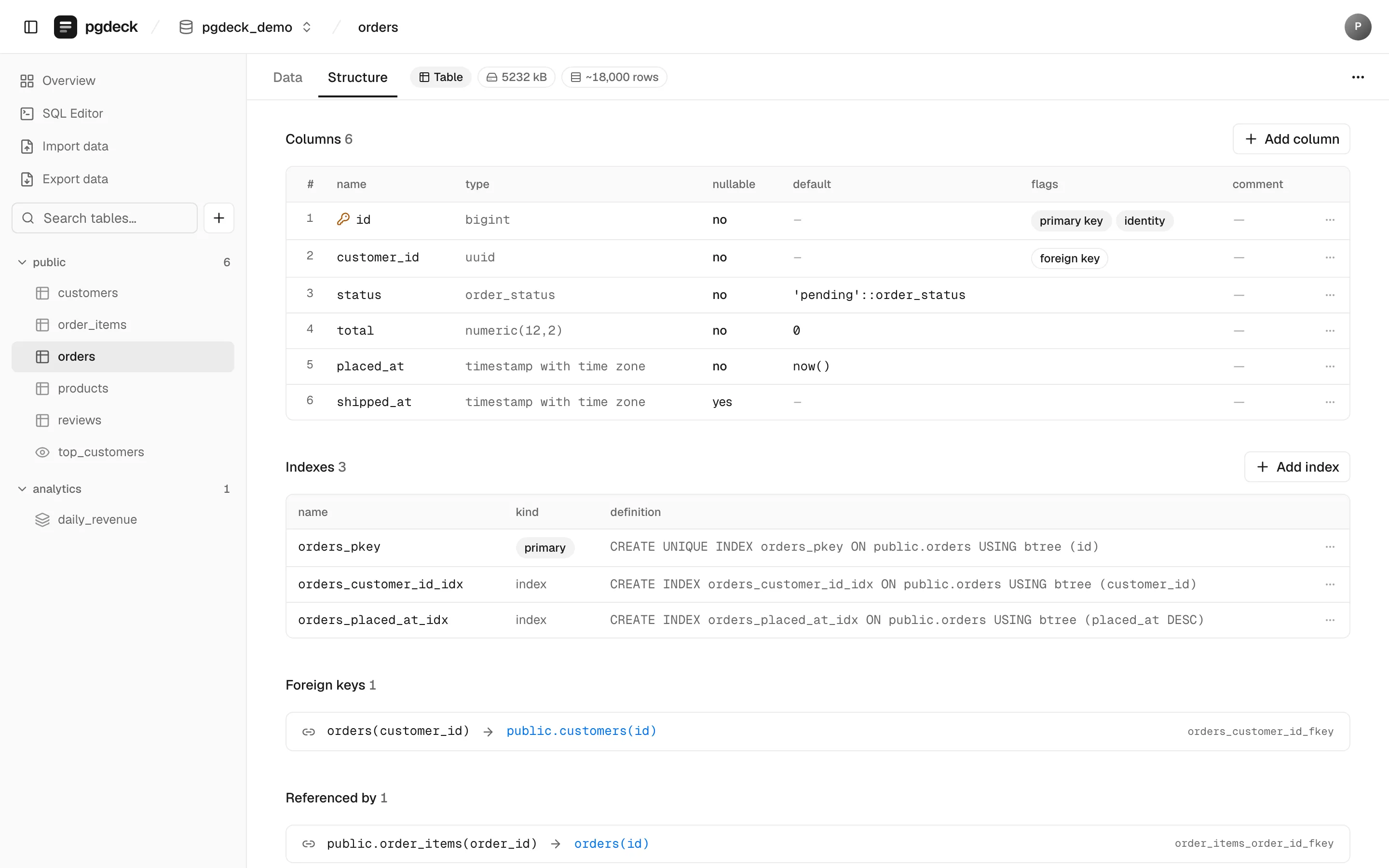
Columns, indexes, constraints and references, each with actions to change or drop it.
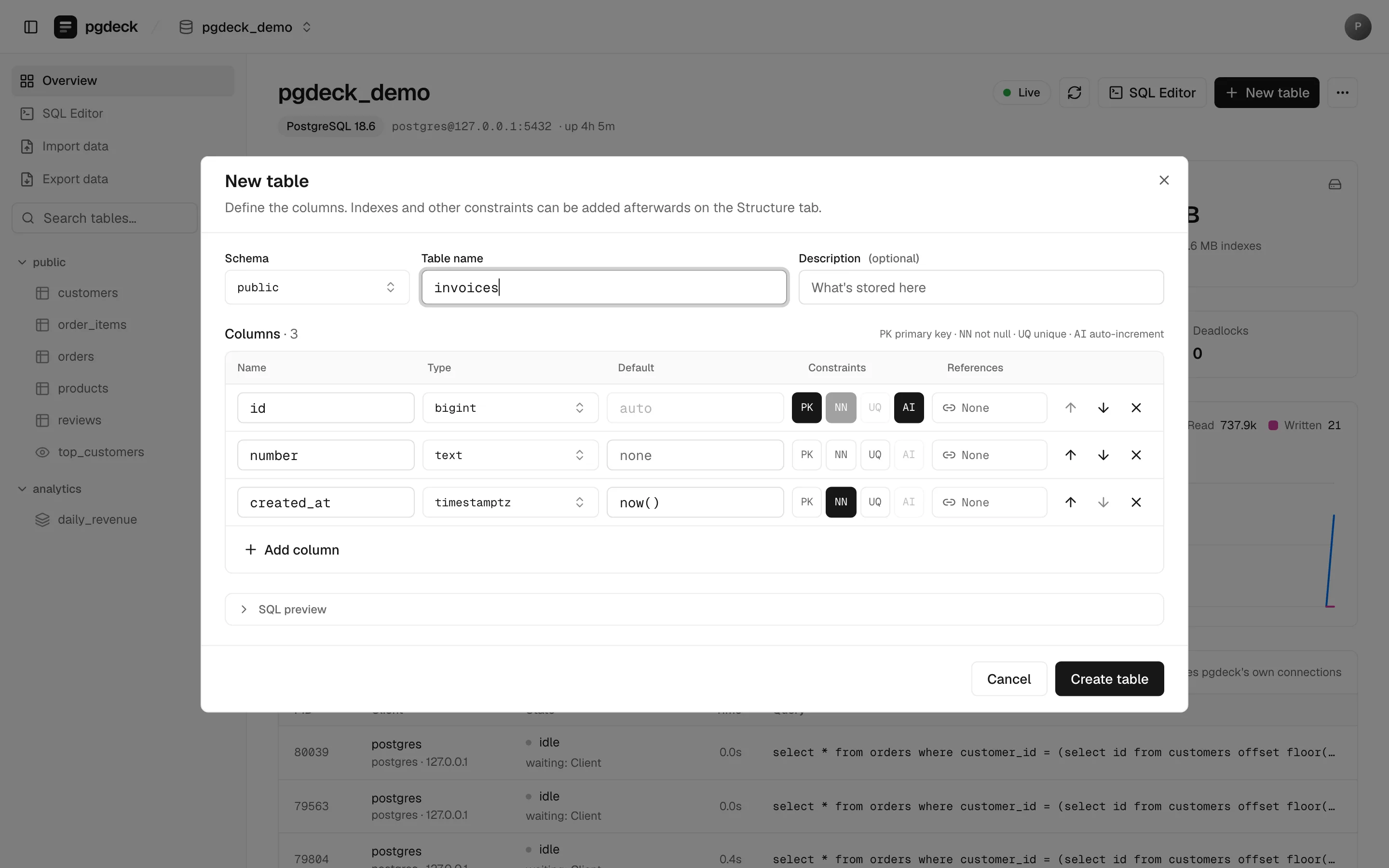
Build a table column by column, with constraints and foreign keys, and read the SQL as you go.
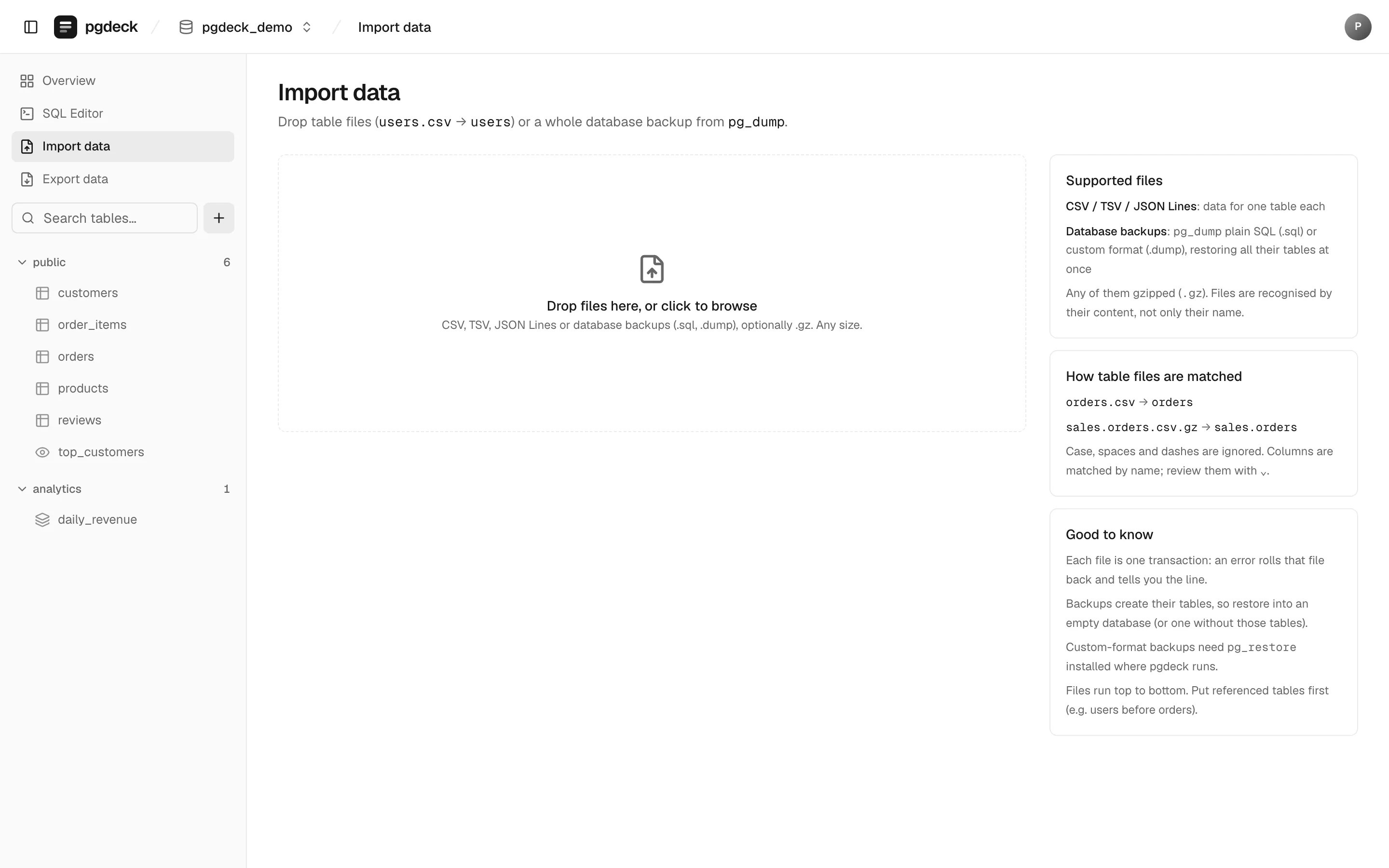
Drop data files or a pg_dump backup. Files are matched to tables by name and streamed in.
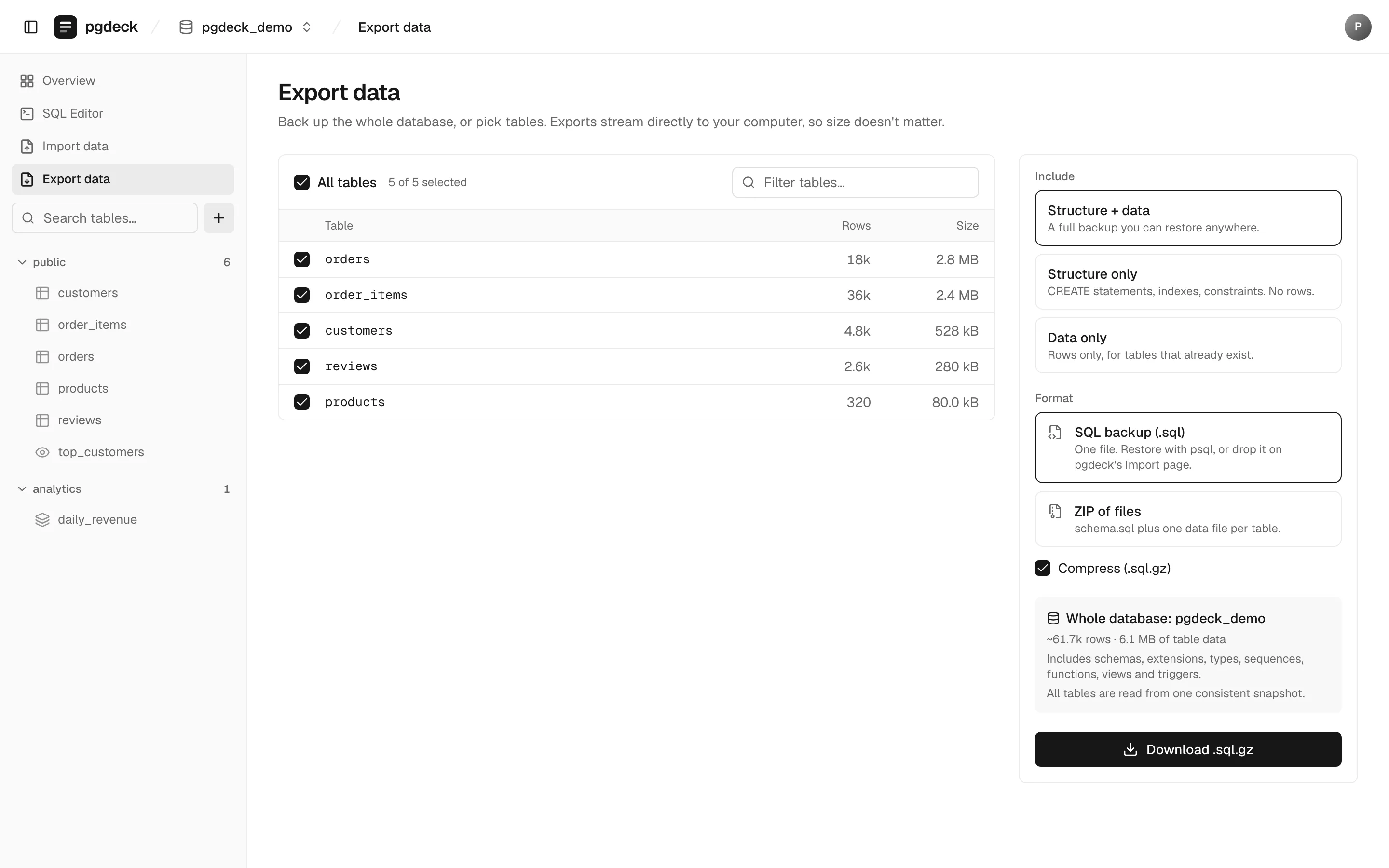
Pick tables and a format, or download the whole database as a restorable backup.
On your laptop for local work. On a server behind an SSH tunnel or a reverse proxy with HTTPS for everything else. It works at the root of a domain or under a path.
# Local database, opens your browser
npx pgdeck postgres://postgres@localhost:5432 --open

# Production, read-only, with a fixed password
PGDECK_PASSWORD='correct horse battery staple' \
  npx pgdeck "$DATABASE_URL" --readonly

# Managed Postgres that requires SSL
npx pgdeck "postgres://user:pass@db.example.com/app?sslmode=require"
# On the server: pgdeck stays private on 127.0.0.1
npx pgdeck postgres://postgres@localhost:5432 --password "$SECRET"
# On your laptop: forward the port, then open http://127.0.0.1:47615
ssh -L 47615:127.0.0.1:47615 you@your-server# npx pgdeck "$DATABASE_URL" --base-path /db --password "$SECRET"
location /db/ {
proxy_pass http://127.0.0.1:47615;
proxy_http_version 1.1;
proxy_set_header Upgrade $http_upgrade;
proxy_set_header Connection "upgrade";
proxy_set_header Host $host;
proxy_set_header X-Forwarded-Proto $scheme;
# Large imports: stream uploads, no size limit
client_max_body_size 0;
proxy_request_buffering off;
proxy_read_timeout 1h;
}# handle_path strips /db, so start pgdeck without --base-path
example.com {
handle_path /db/* {
reverse_proxy 127.0.0.1:47615
}
}A random password at every start, HTTP-only SameSite=Strict cookies, and rate-limited sign-in.
Binds to 127.0.0.1. It warns if you expose it without a login.
API calls need a custom header and WebSockets check their Origin.
pgdeck can only do what its role can. Use a read-only role for anything sensitive.
It prints a link and a password. Open the link. That’s the setup.
npx pgdeck postgres://localhost:5432